
Colorization
Is AI Colorization Historically Accurate?
By the Retrocap Team · Updated
TL;DR
AI colorization is not historically accurate in the sense of a record. It is a realistic interpretation, because the original colors were never captured on black and white film. You can get much closer to the truth by using what your family remembers, then comparing the result with the original.
No, AI colorization is not historically accurate in the strict sense. It is a realistic interpretation. A black and white photo never recorded the original colors, so the AI predicts believable ones. That can be lovely and convincing, but it is not proof of what anyone actually wore or what color the walls were.
That honest answer doesn’t make colorizing a bad idea. It just means you should know what you’re getting, and you can use a few simple habits to get closer to the truth.
Why AI colorization can’t be a historical record
When a photo was taken on black and white film, the color information was lost at that moment. What remains is brightness: lighter and darker shades of gray. Different colors can turn into very similar grays, so a red dress and a green dress might look nearly identical in the print.
Because of this, no tool can read the true colors back out of the photo. Software can only make an informed guess based on patterns. It recognizes skin, sky, grass, wood and common fabrics, then applies colors that usually fit those things.
Think of it like a talented painter hired to add color to a black and white drawing. The painter will make sensible choices, but without being told, they can’t know your grandmother’s coat was dark green rather than navy.
What tends to be easier, and where the AI guesses
Some things have fairly predictable colors, so a guess is more likely to land close:
- Skin tones
- Blue sky, green grass and foliage
- Wood, brick and stone
Other things could be almost any color, so the AI is really guessing:
- Clothing, hats and scarves
- Cars, painted doors and furniture
- Flowers, flags, uniforms and decorations
- Eye and hair color, especially in small or blurry faces
If the photo is very faded, scratched or soft, there is less detail to work from, and the guesses become less reliable. A clean, sharp scan helps a lot. If you’re still preparing your photo, our guide on scanning old photos with your phone covers how to avoid glare and shadows.
How to colorize old family photos with more confidence
You know things the AI doesn’t. Family knowledge is the best accuracy tool you have. Before you colorize, spend ten minutes gathering clues.
- Ask relatives. Someone may remember the color of a favorite dress, a car, a front door or a uniform. Even “it was a dark blue suit” helps you judge the result.
- Look at the photo for clues. The season, the setting and the clothing style can suggest what is plausible. Dark winter coats and light summer dresses are good examples.
- Check other sources at home. A surviving color photo of the same house, a piece of jewelry, a scarf or a medal can answer questions the black and white print can’t.
- Note what you know and what you don’t. Writing “mother’s dress: dark green, confirmed by my aunt” on the back of a printout, or in the photo’s file name, keeps the facts separate from the guesses.
After colorizing, compare the result with the original. If something looks wrong against what your family remembers, try a different style rather than accepting it as is.
Using Retrocap’s color styles with your memories
In Retrocap, open the Colorize tool and choose one of four color styles: Natural, Vivid, Vintage or Cool. Each style gives the whole photo a different overall look, and you can try more than one on the same photo.
There is also an option to enhance faces, and an option for historical accuracy. Even with that option, the colors are still an interpretation. It does not turn a guess into a fact.
Use your family’s memories as the yardstick. Look at each result and ask whether anything contradicts what you know. Use the before/after comparison to check the colorized version against your original, then save it to your photo library or share it.
For a step-by-step walkthrough of the process, see our guide to colorizing black and white photos realistically. If your photo has a brown or yellow tone instead of gray, the guide on colorizing sepia photos with AI explains what is different. You can also read more about the tool on the colorize black and white photos page.
A few practical notes: Retrocap needs an internet connection, because photos are processed on cloud servers rather than on your phone. Colorizing uses credits, which the app calls tokens. If you want to remove a photo later, you can delete your photos and data from the app at any time.
Colorized photos and family history research
If you’re researching your family tree, treat a colorized photo as a way to connect with the people in it, not as evidence. Colorization can make an ancestor feel more present, which is a good thing. But it can also give a false sense of certainty.
Some sensible habits:
- Keep the original. Store your untouched scan or print safely next to the colorized version.
- Label the copy. Name the file something like “grandfather-1948-colorized” so nobody mistakes it for the original.
- Tell people. When you share a colorized photo with relatives, mention that the colors are a best guess. Someone may even correct you, which adds to your family’s knowledge.
- Don’t use it as proof. Never present an AI-colorized image as an official record, or use it to mislead anyone about what a photo showed.
For more ideas on organizing and sharing old photos, take a look at our page on family history and genealogy.
Respect for the people in the photo
Many old family photos show people who are no longer here, and some show relatives who might feel strongly about how they are portrayed. Take a moment to think about how and where you share the result, especially for photos of other people’s relatives. If a detail matters to your family, such as a uniform or a religious garment, check it with someone who knows before settling on a color.
Limits to keep in mind
- Colorization is a realistic interpretation, not a historical record.
- AI can slightly change facial features, especially on very small or very blurry faces. Always compare with the original.
- Completely missing parts of a photo, such as a lost face, cannot always be recovered.
- A sharper, evenly lit copy of the photo gives better results.
Used with these limits in mind, colorizing can be a warm and meaningful way to see your family’s past in a new light. When you’re ready, you can try Retrocap and its different styles on one of your own black and white photos.
Frequently asked questions
Can AI know the real colors in my old photo?
No. A black and white photo does not store color, so the AI makes an informed guess from what it sees, such as skin, sky, grass and fabric. The result can look natural without matching what was actually there.
Why does the same photo look different with different color styles?
Because each style is a different interpretation. In Retrocap's Colorize tool, Natural, Vivid, Vintage and Cool each give the photo a different overall look. None of them is a record of the real scene.
How can I make a colorized photo more accurate?
Ask relatives about clothing, cars, rooms and eye or hair color, then try the different styles and judge the results against what they remember. Start from a clean, sharp scan, and compare the result with the original before you save it.
Should I call a colorized photo a historical document?
No. Treat it as a personal, artistic version of the memory and keep the original black and white image alongside it. If you share it, say it has been colorized.
Should I keep my original photo after colorizing?
Yes. Keep your untouched original print or scan safe, and store the colorized version as a separate copy. In Retrocap you can compare the result with the original before saving it to your photo library.
Related guides
Colorization
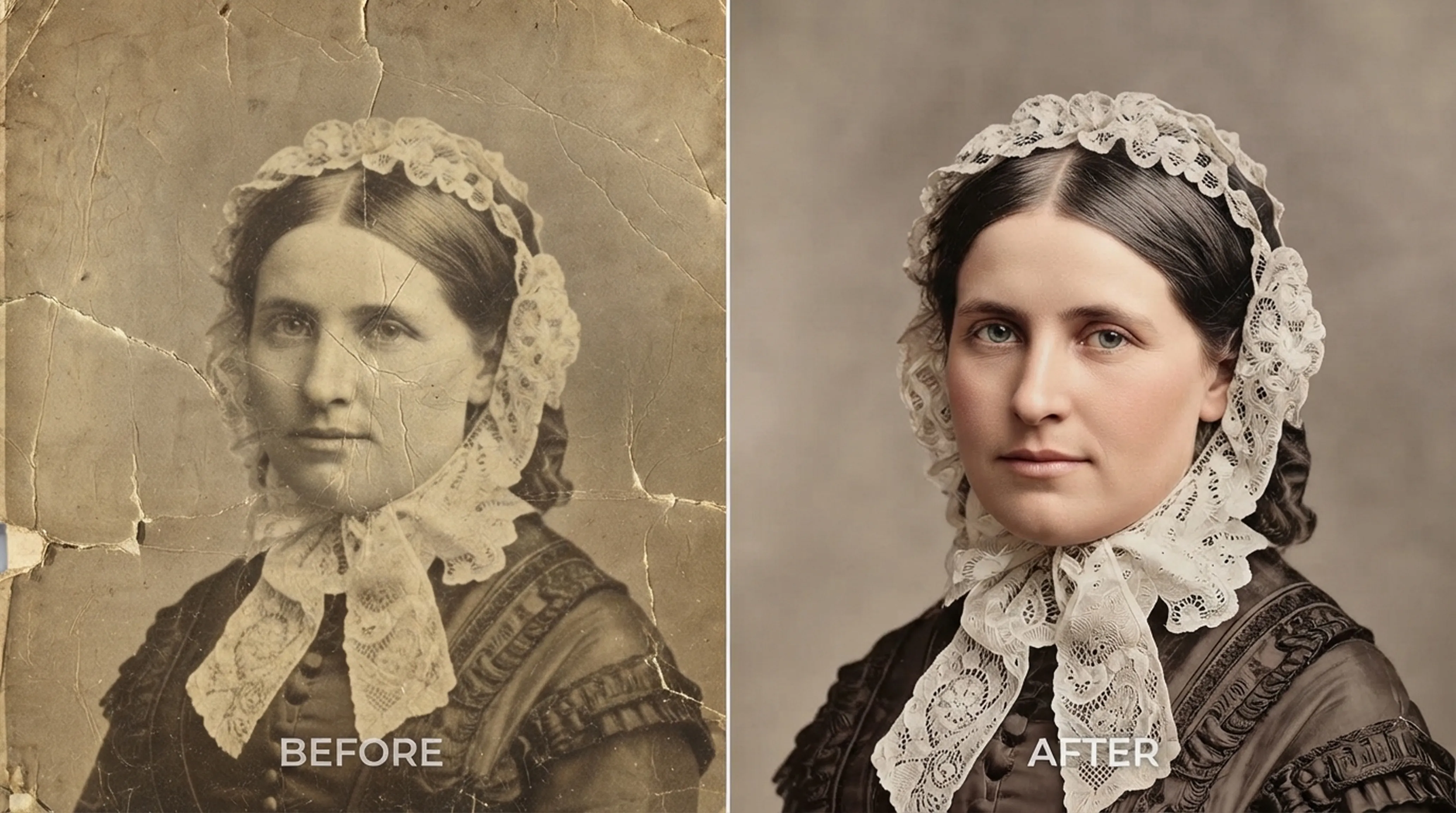
How to Colorize Black and White Photos Realistically
What AI colorization can and can’t know about the past, and how to choose the right style for each era.
 Before
 After
Colorization
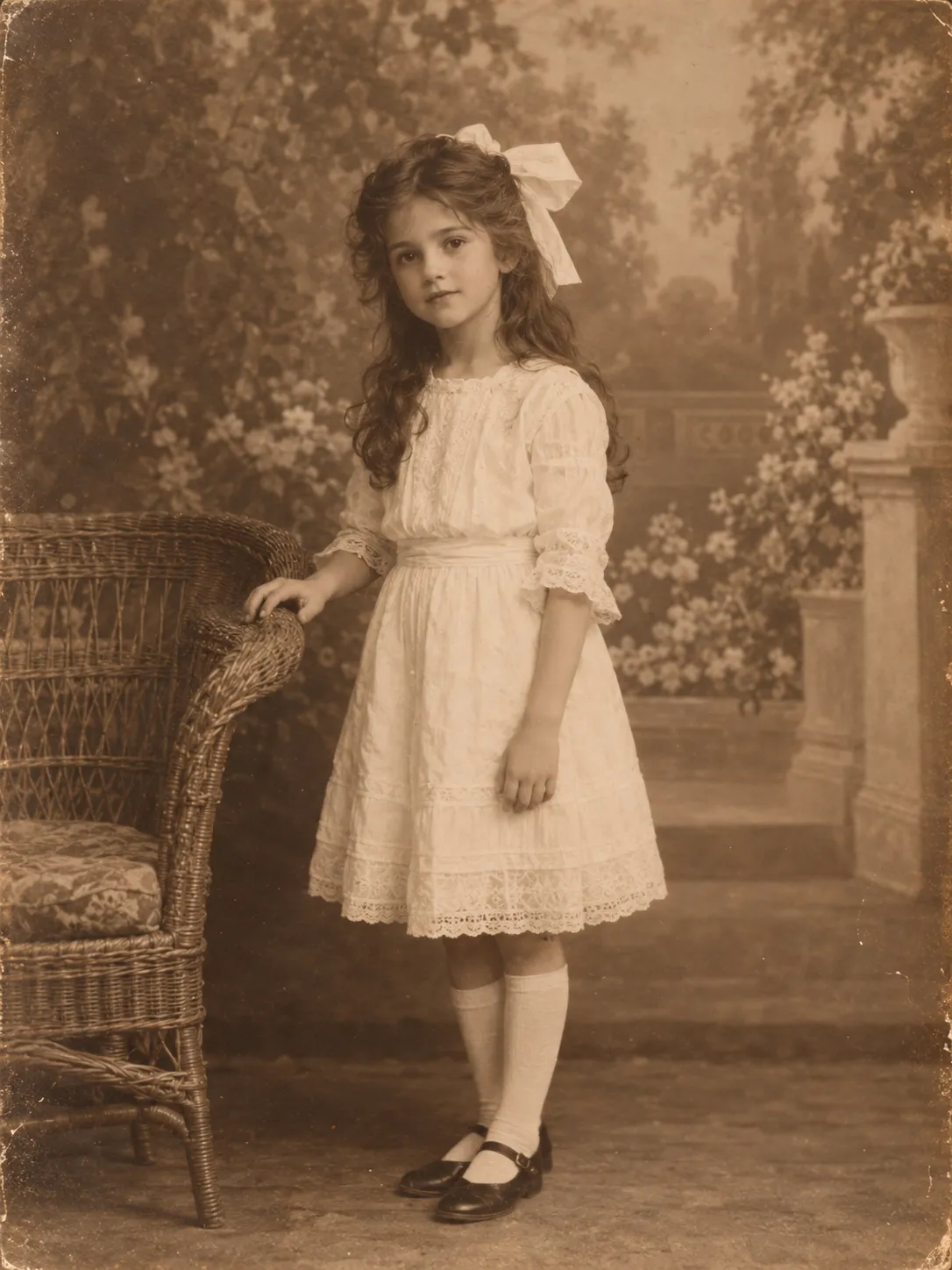
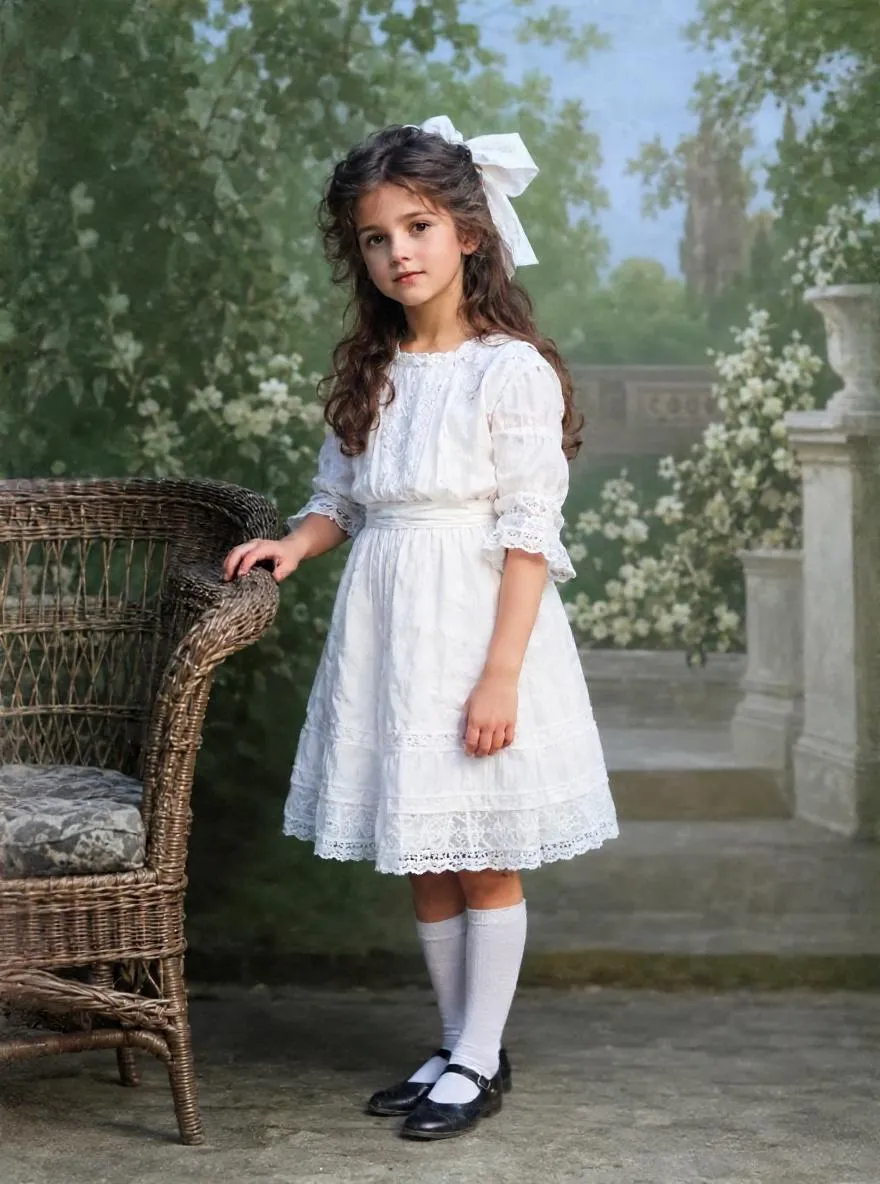
How to Colorize Sepia Photos with AI
Colorize brown, faded sepia prints with AI. Learn what makes a photo sepia, whether to keep the tone and how to use Natural, Vivid, Vintage or Cool styles.
Scanning technique
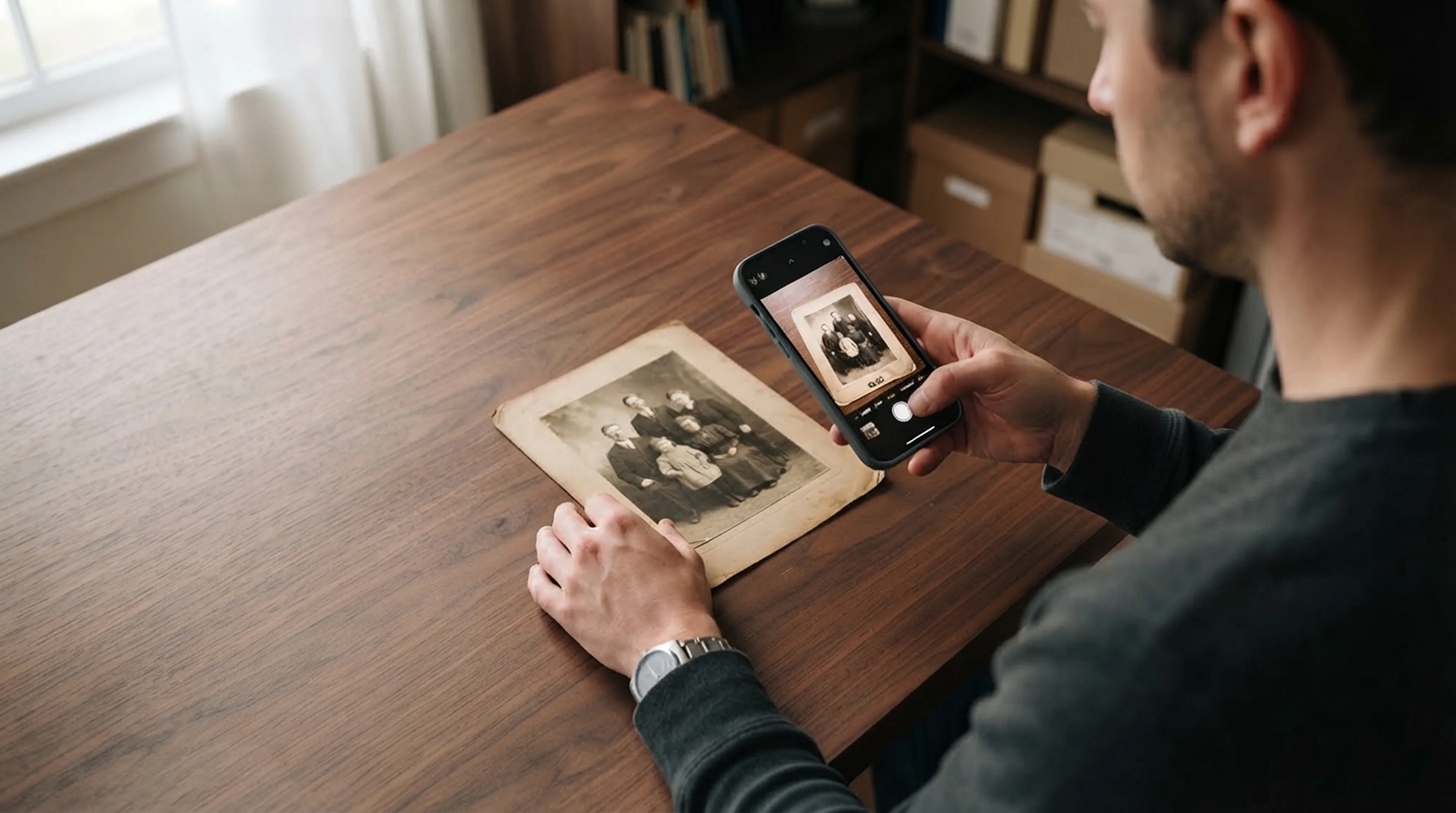
How to Scan Old Photos with Your Phone Without Glare
Lighting tricks, angle secrets and lens cleaning practices for getting flatbed scanner quality from your smartphone.