
Enhancement
How to Fix Pixelated Photos on Your Phone
Learn how to fix pixelated photos from old scans, screenshots and low-res images: why pixels show up, what you can recover, and simple steps to try.
Practical, step-by-step guides for restoring, colorizing and scanning old family photos.
Enhancement
Learn how to fix pixelated photos from old scans, screenshots and low-res images: why pixels show up, what you can recover, and simple steps to try.
Enhancement
Learn how to fix grainy photos, from old prints to phone pics. See grain vs. noise, get a cleaner copy, sharpen detail and keep faces looking natural.

Basics
Hanukkah gifts for adults that carry family history: restored photos, a recipe book, a family tree and more thoughtful ideas for parents and grandparents.
Basics
Last minute Christmas gifts you can make tonight: easy homemade ideas for mom and family, from a restored photo to a recipe card and a memory jar.
Enhancement
AI upscale image guide: learn how to make a small or low-resolution photo bigger on your phone, what 2x upscaling really does, and how to print it.
Enhancement
Learn how to unblur a photo with AI. Spot motion blur vs focus blur, try Retrocap's Sharpen & Deblur, and know what blur can and can't be fixed.
Basics
Looking for photo gifts for grandma? Here are 12 personalized ideas, from framed prints to photo books, plus how to restore old family photos first.
Restoration
Learn how to restore old wedding photos on your phone: scan, repair damage, add color if you like, and print a copy to share or give as a gift.
Enhancement
Learn how to fix dark old photos: rescan them properly, brighten shadows on your phone, and use Fix Exposure in Retrocap. Honest tips on what can't be saved.
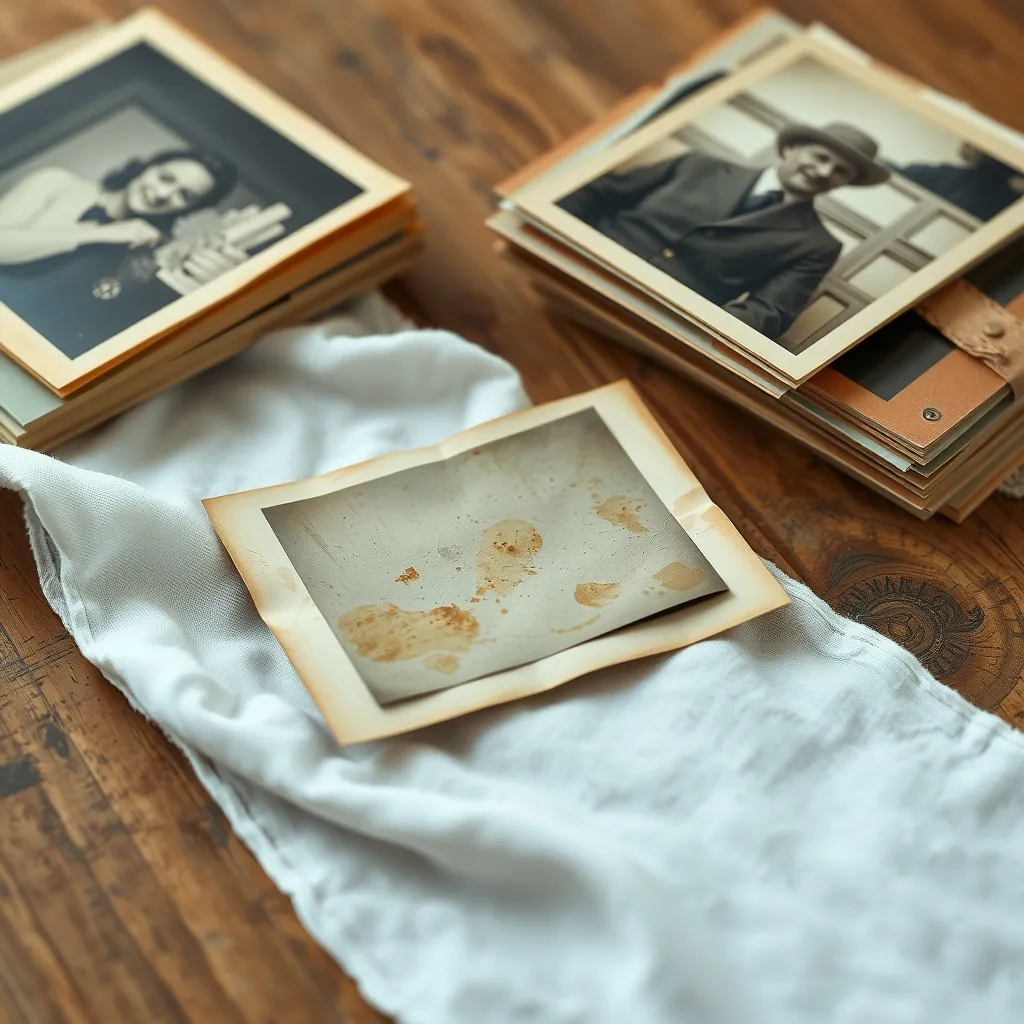
Repair
Learn how to remove stains from old photos: what not to do to the print, how to scan it well, and how to fix the stains digitally with your phone.
Colorization
Is AI colorization historically accurate? Honest answer: it's a realistic guess, not a record. Learn how family knowledge can guide colors in old photos.
Repair
Learn how to restore mold damaged photos safely: protect yourself, avoid common mistakes, then digitize the print and repair stains with AI on your phone.
Restoration
Looking for a restored photo Christmas gift? Five heartfelt ideas built around a family photo, plus a calm last-minute plan that leaves time for printing.
Basics
Why do old photos fade, yellow or turn red? Learn the plain-language causes, how to slow the damage, and how to fix yellowed photos on your phone.
Basics
Learn how to preserve old family photos with safe storage, careful handling, digital copies and light restoration. Know when to call a conservator.
Basics
Can ChatGPT enhance old photos? See what AI chatbots like ChatGPT and Gemini can do, where results vary, and how to check the output against your original.
Restoration
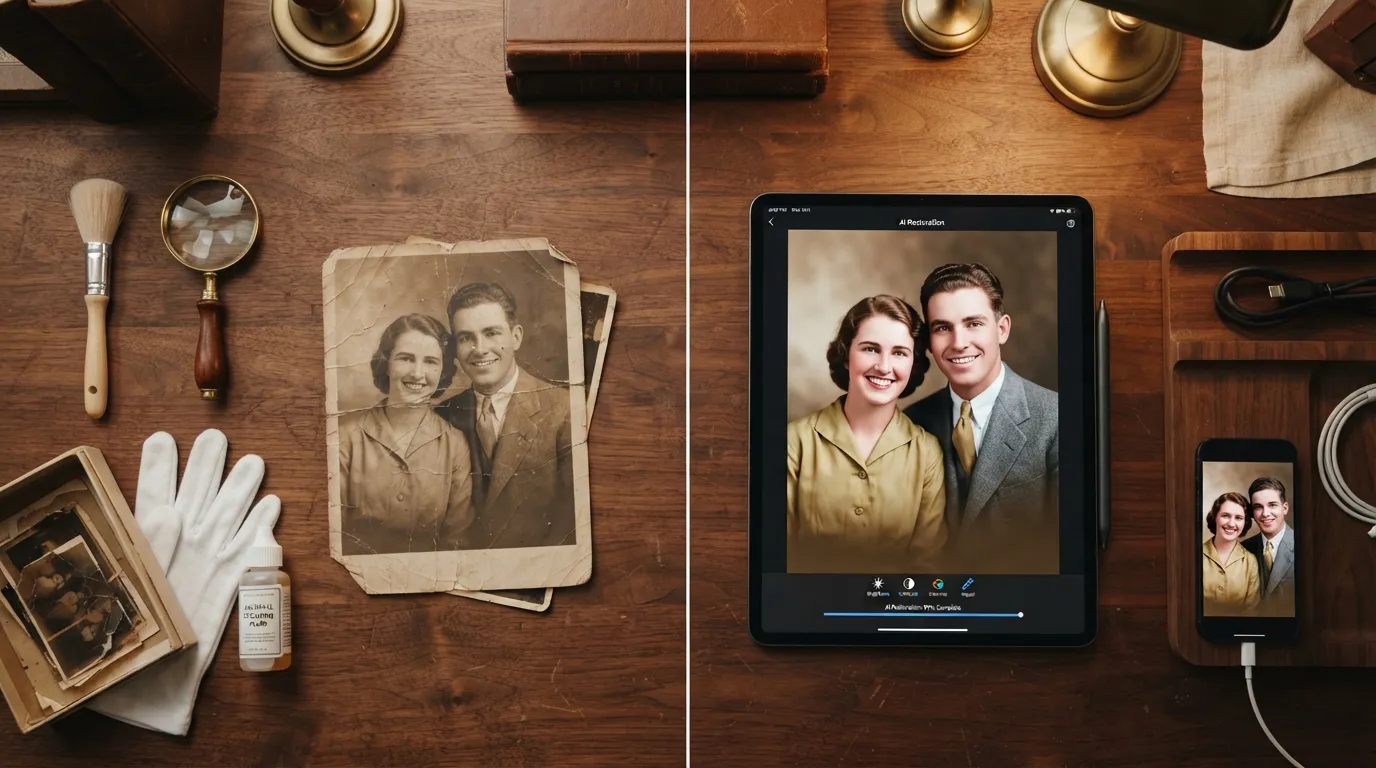
Restore old photos free by editing them yourself in a free editor. See what DIY can do, where it falls short, and when paying for AI restoration makes sense.
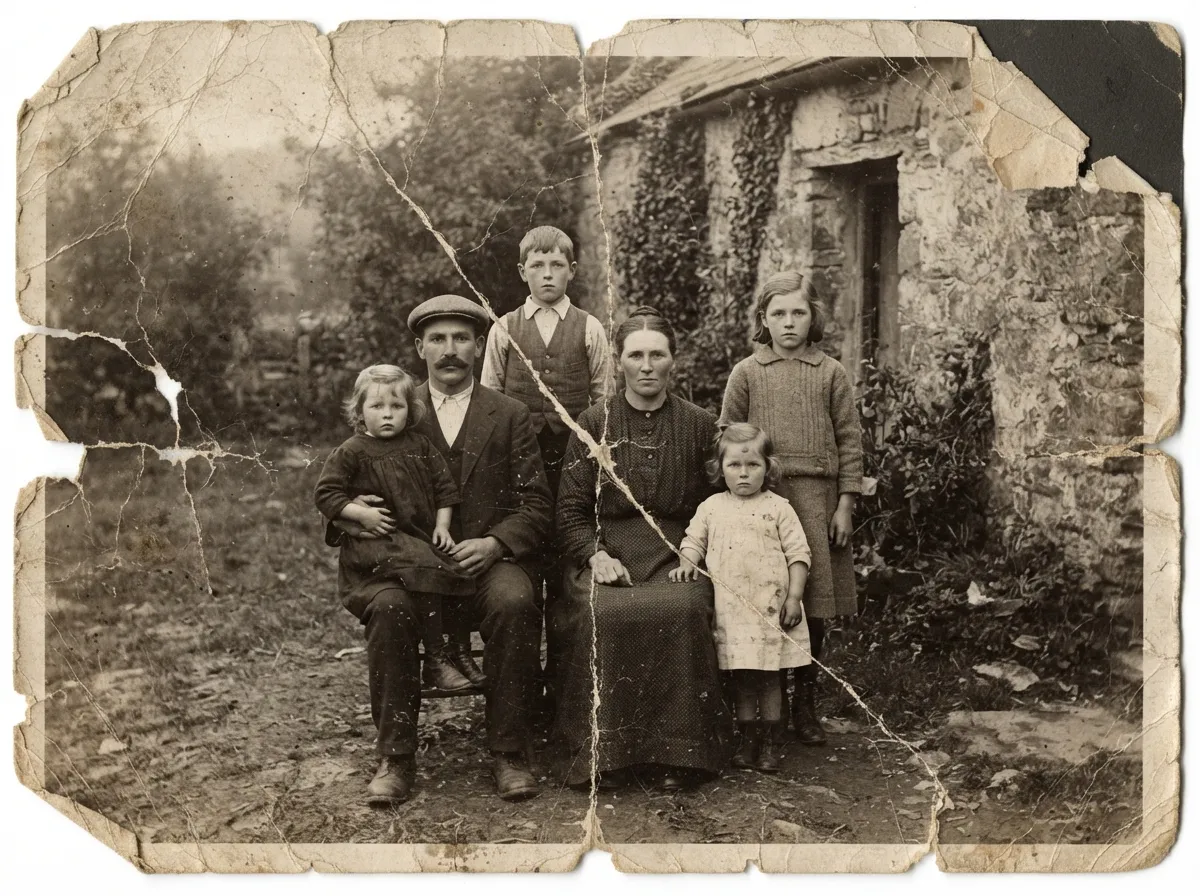 Before
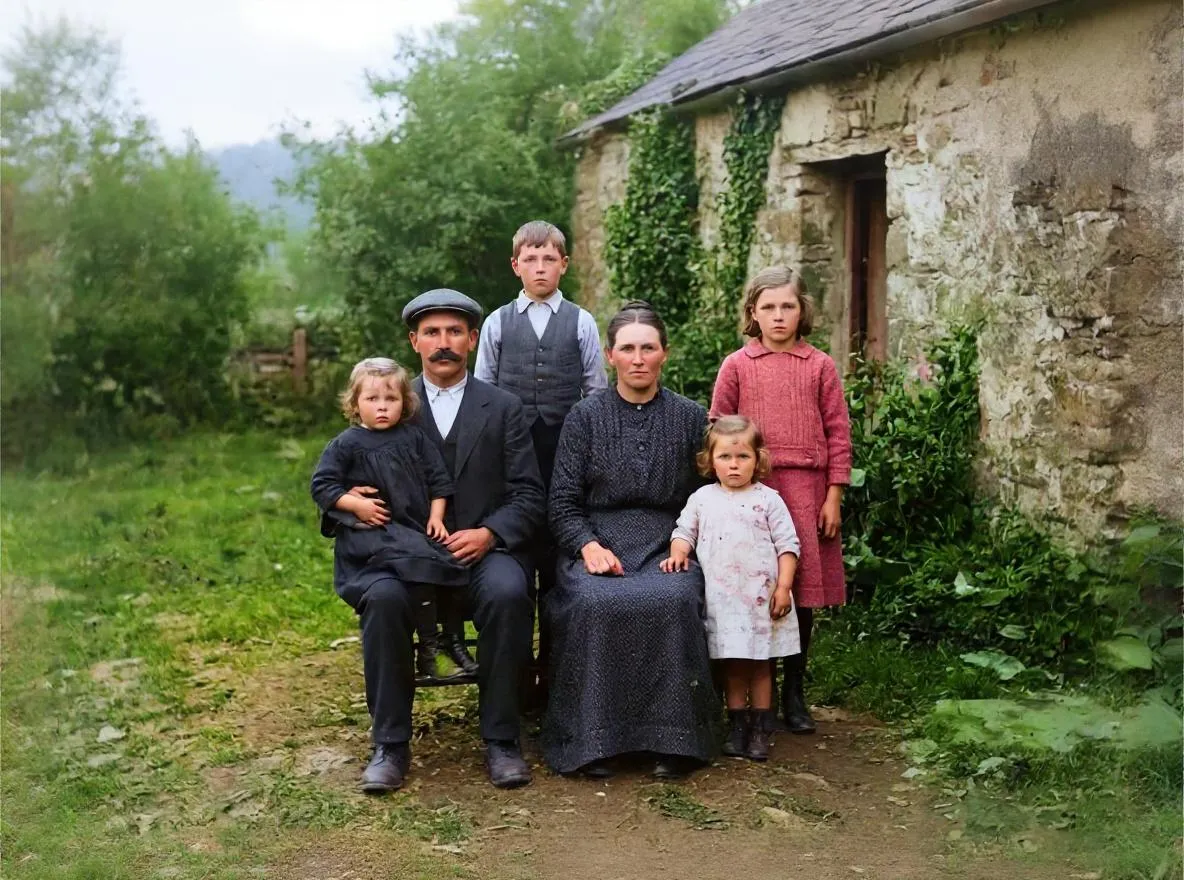 After
Basics
No Photoshop skills needed. Compare AI apps, Photoshop and professional restorers by time, cost and results, and follow a simple no-Photoshop workflow.
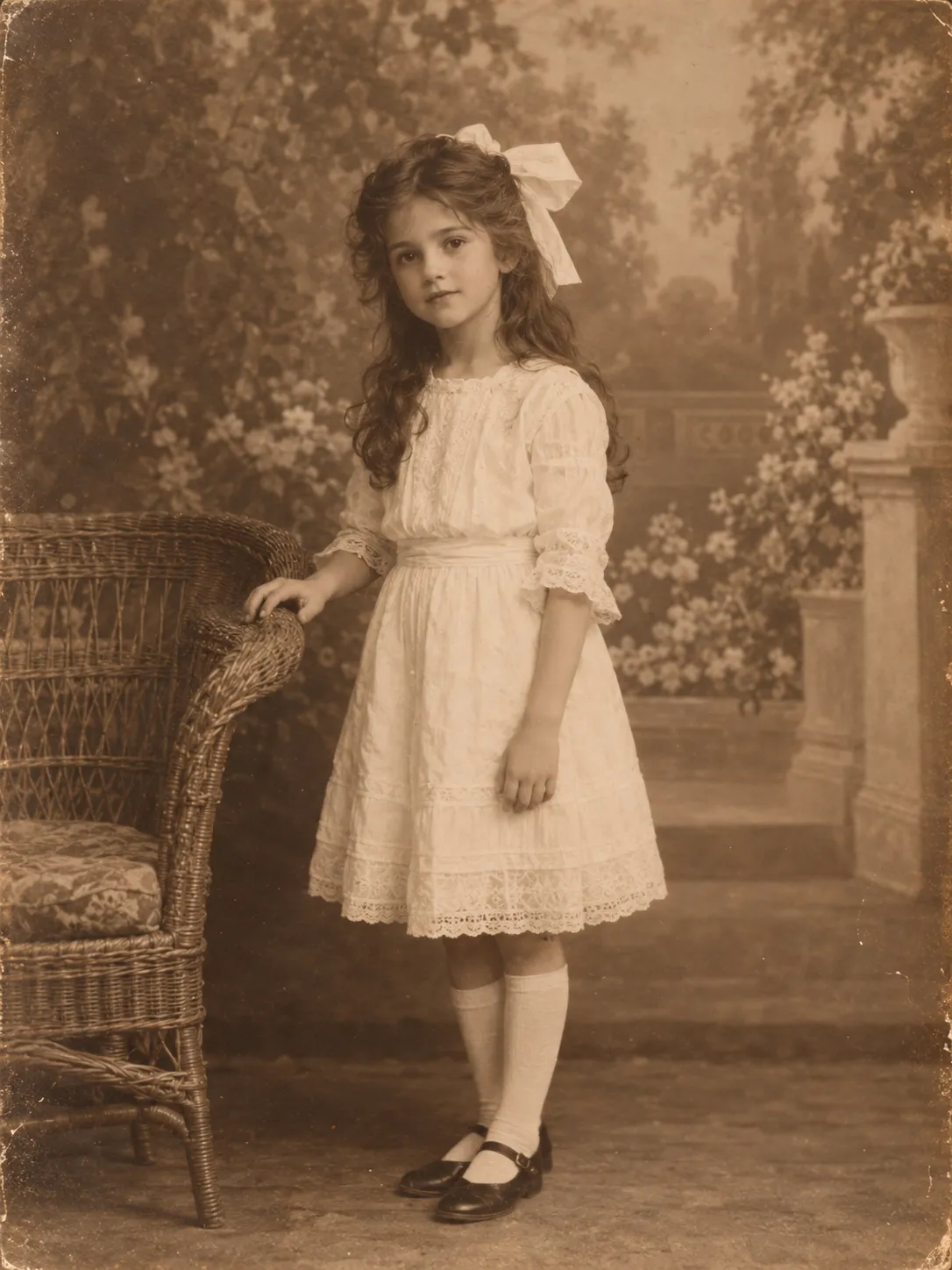 Before
 After
Colorization
Colorize brown, faded sepia prints with AI. Learn what makes a photo sepia, whether to keep the tone and how to use Natural, Vivid, Vintage or Cool styles.
Animation
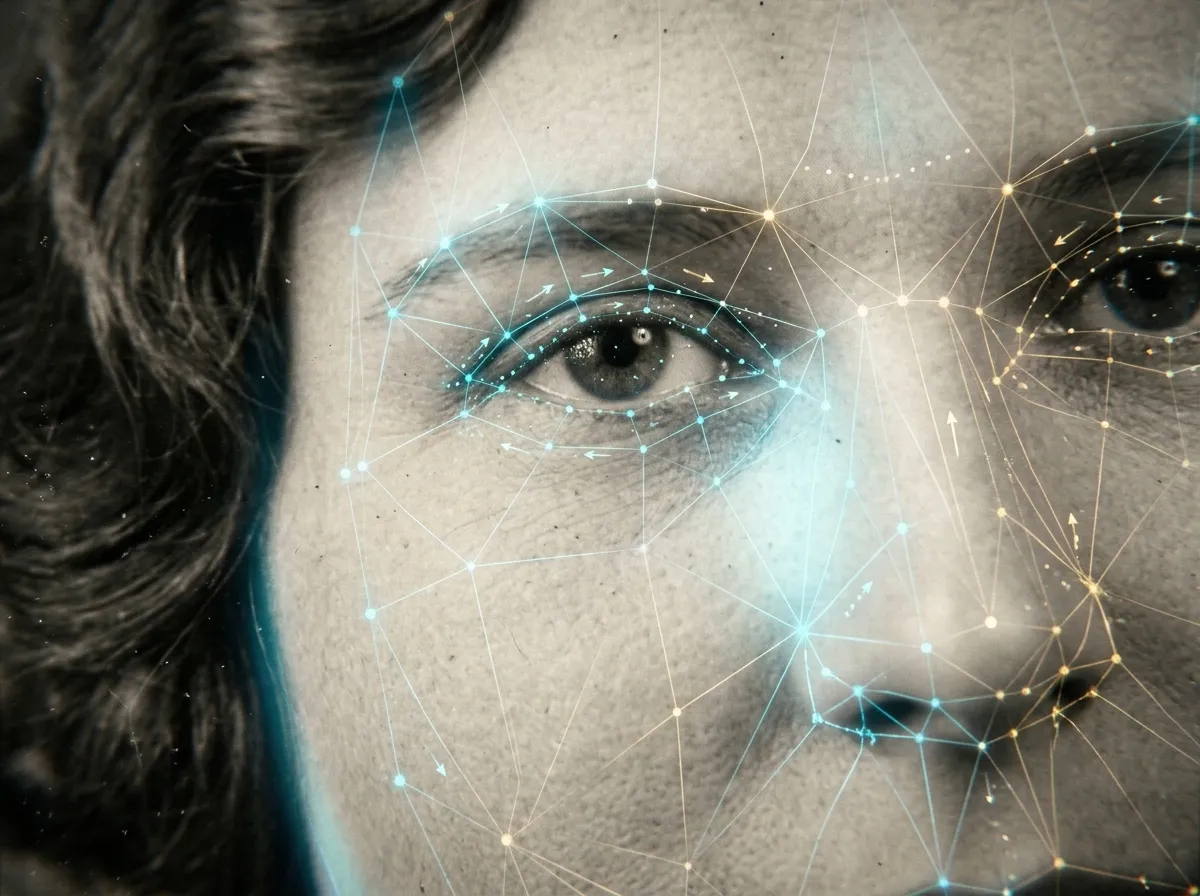
Turn an old family portrait into a short video with natural movement. Which photos animate best, how to do it in Retrocap and how to share it respectfully.
 Before
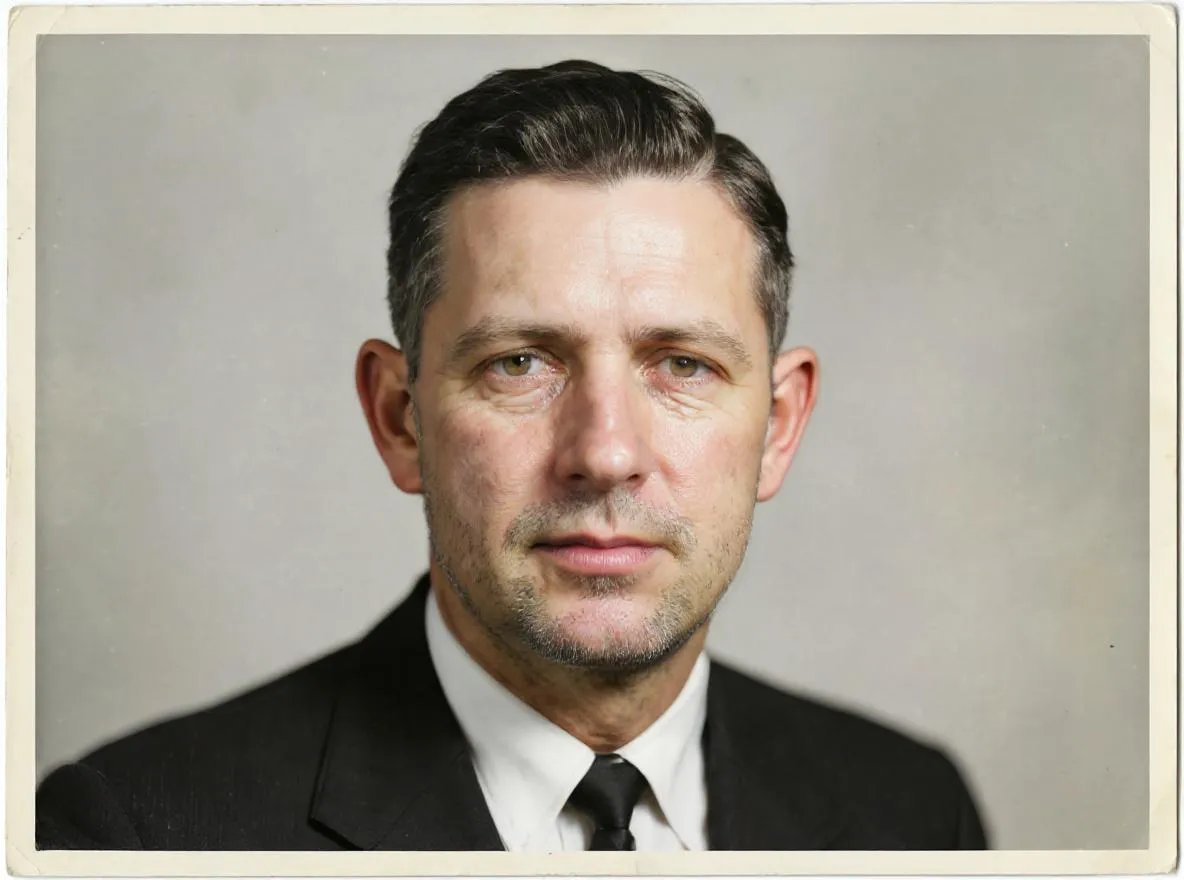 After
Enhancement
Sharpen blurry faces in old portraits and group photos with AI. How face enhancement works, how to get the best result and how to check it's still them.
 Before
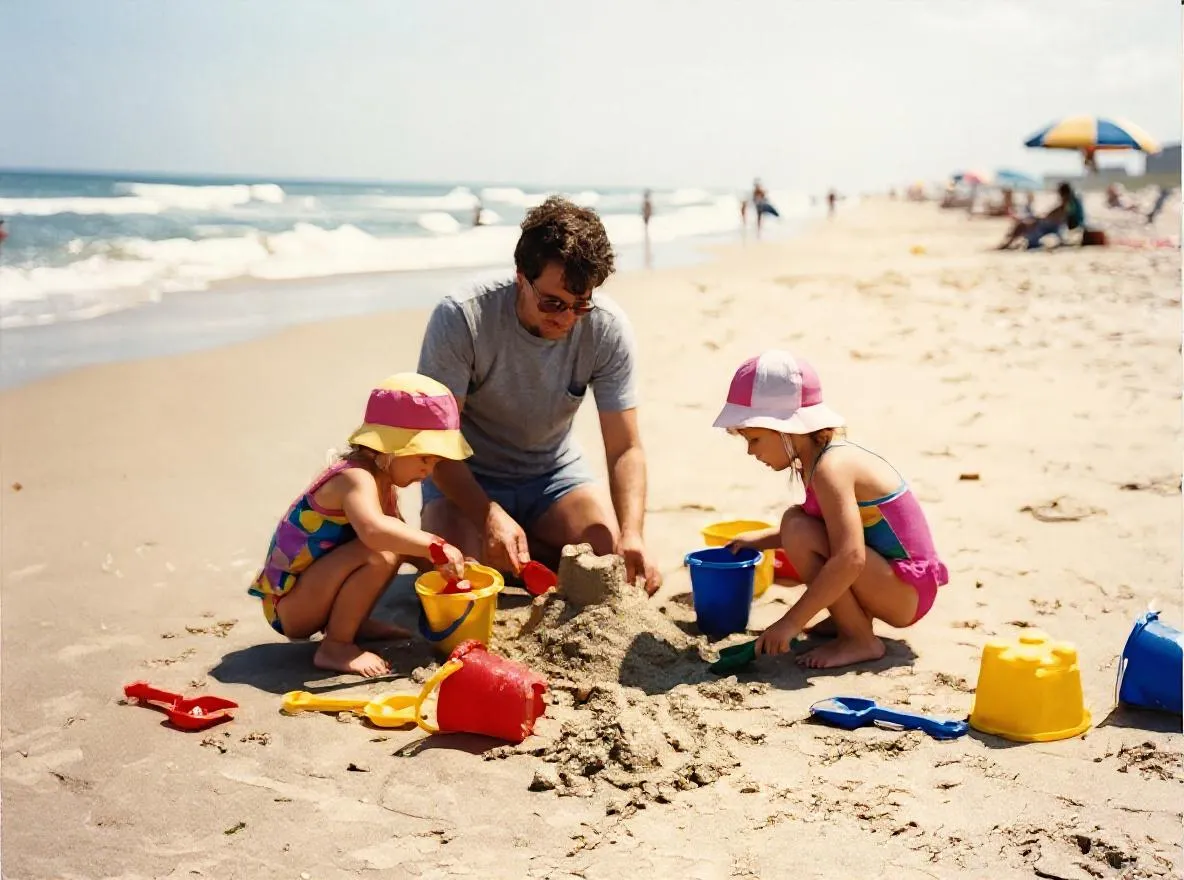 After
Enhancement
Why old photos look blurry and how AI sharpening and upscaling fix them. Get the sharpest result from Retrocap's Enhance tool on iPhone or Android.
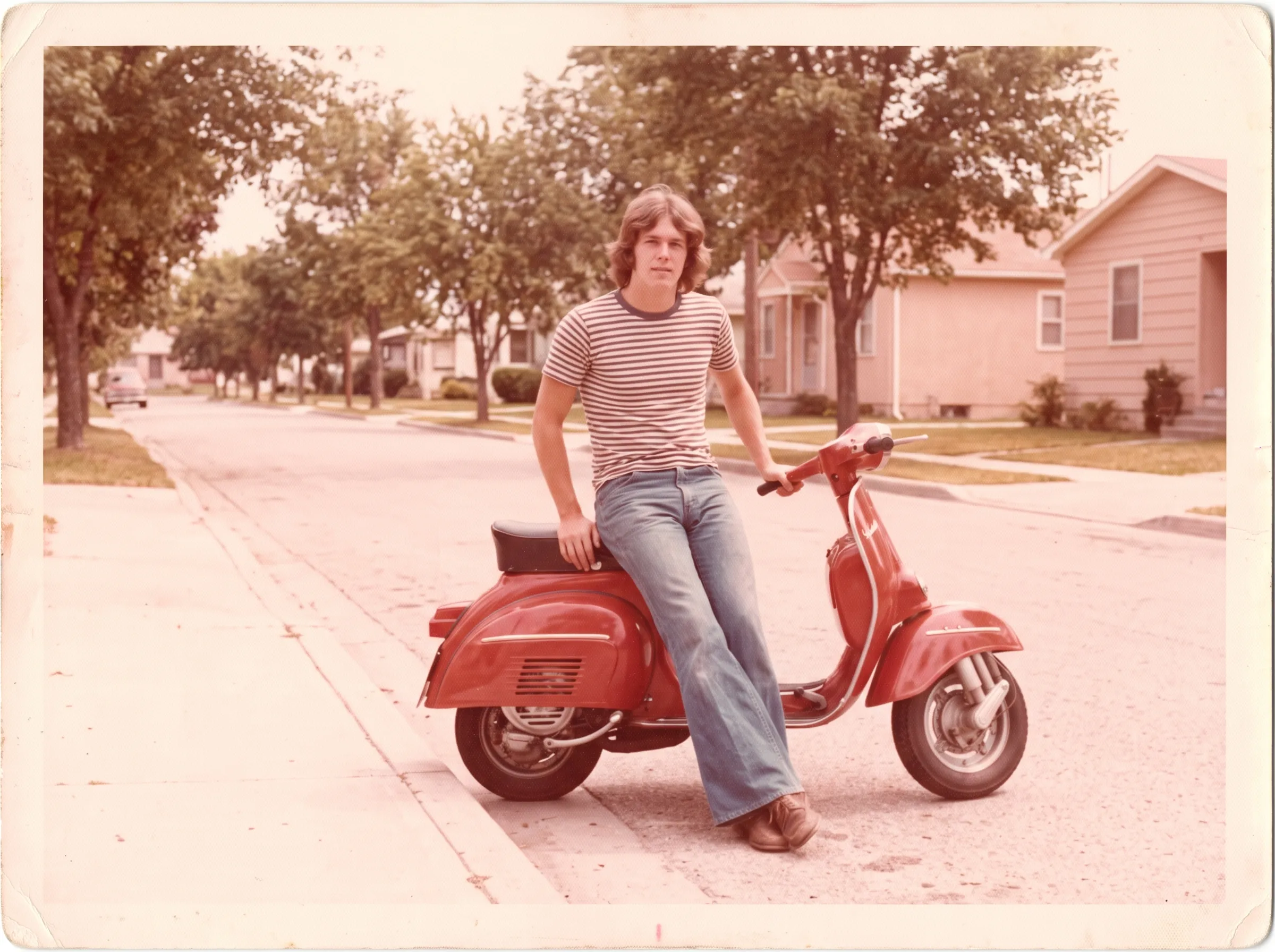 Before
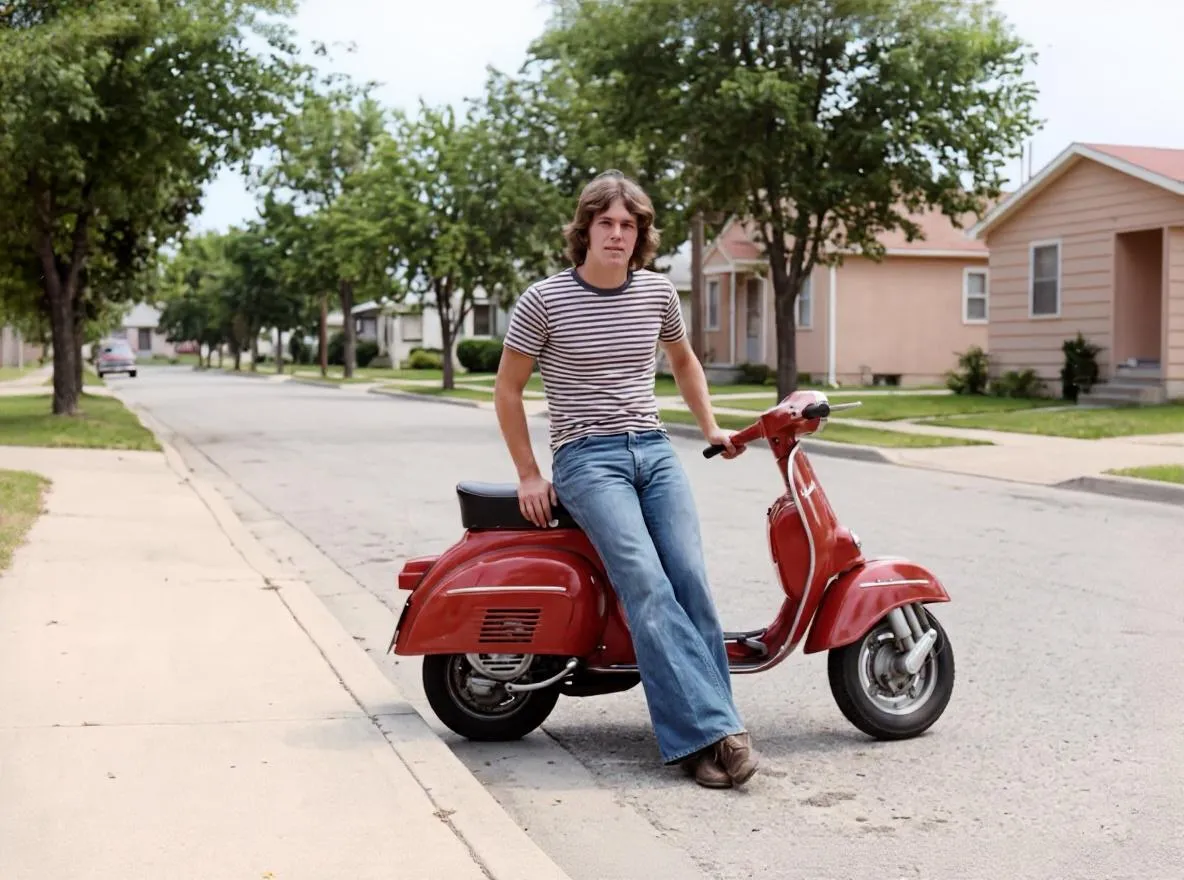 After
Restoration
Why old photos fade and turn red, yellow or pale, and how to bring back contrast and natural color with AI restoration and color correction.
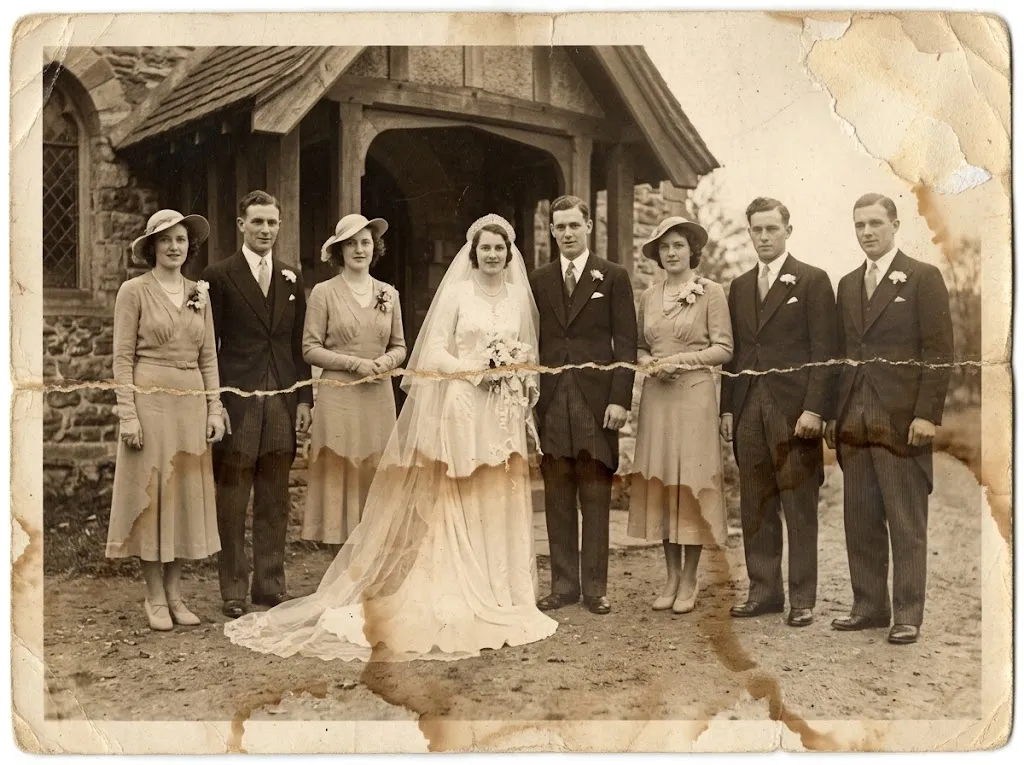 Before
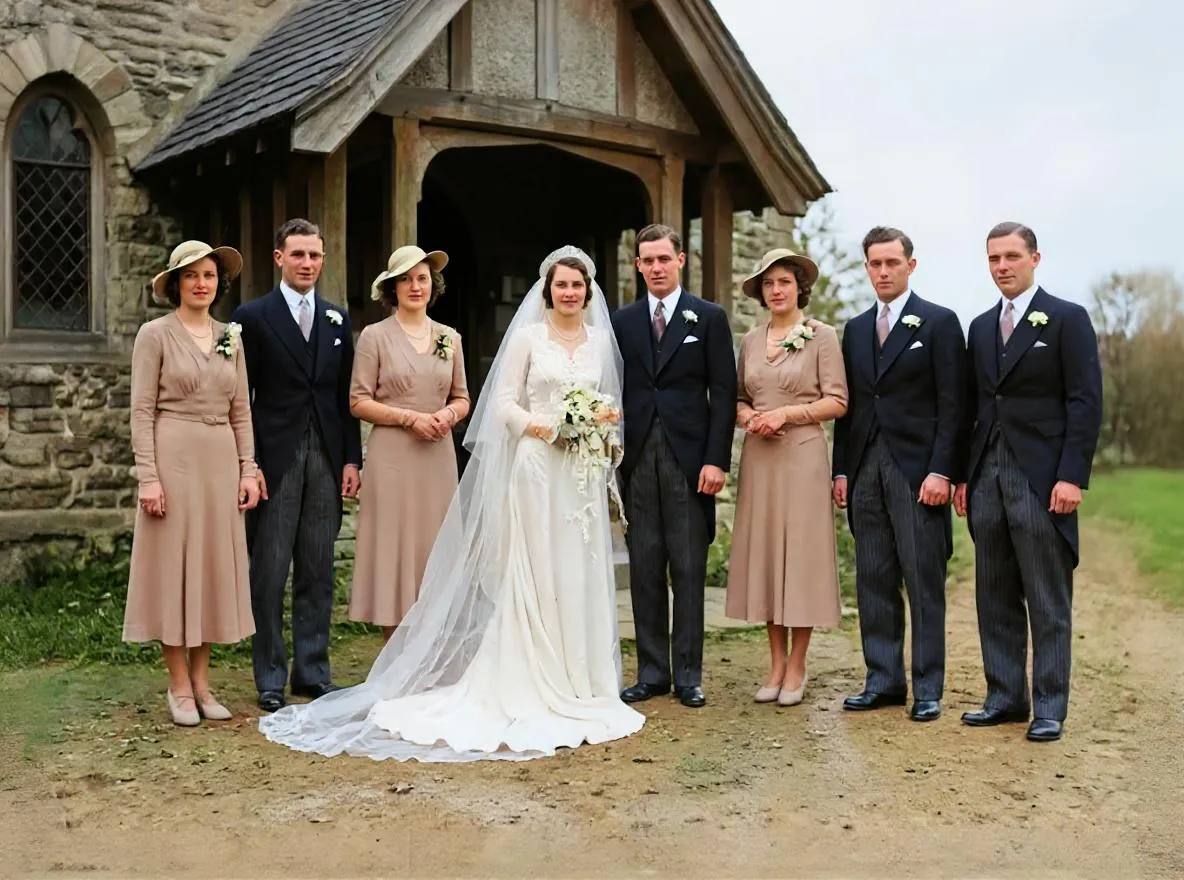 After
Repair
What to do with wet or water-damaged photos: dry them safely, photograph the damage and remove water stains and marks with AI restoration.
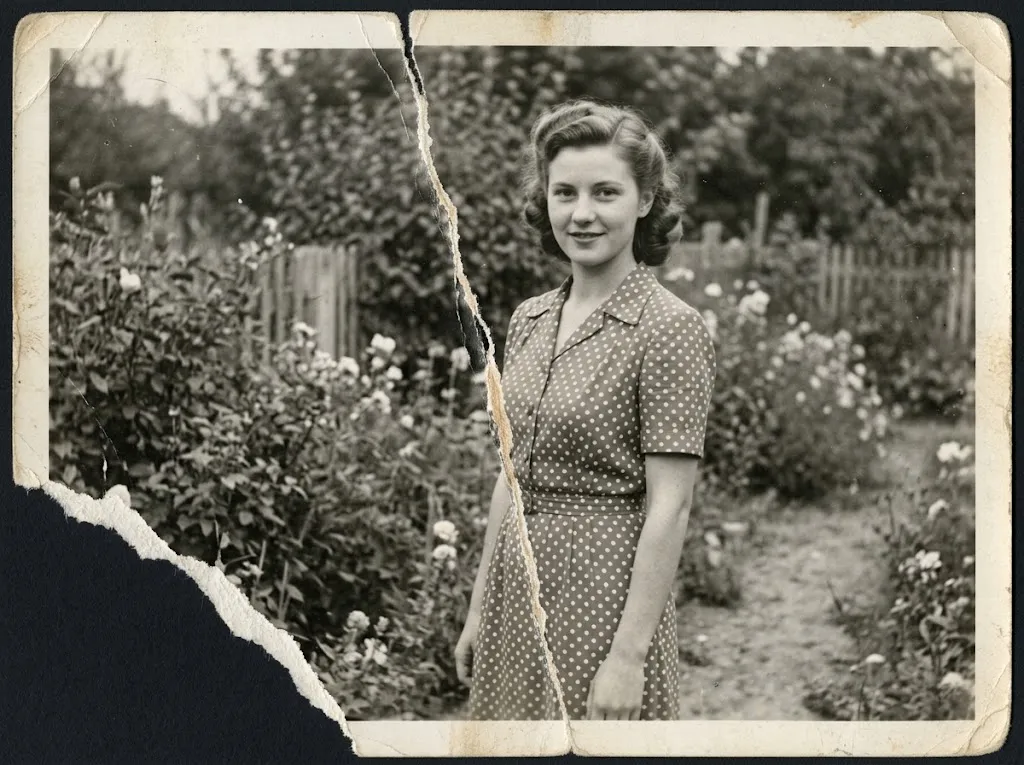 Before
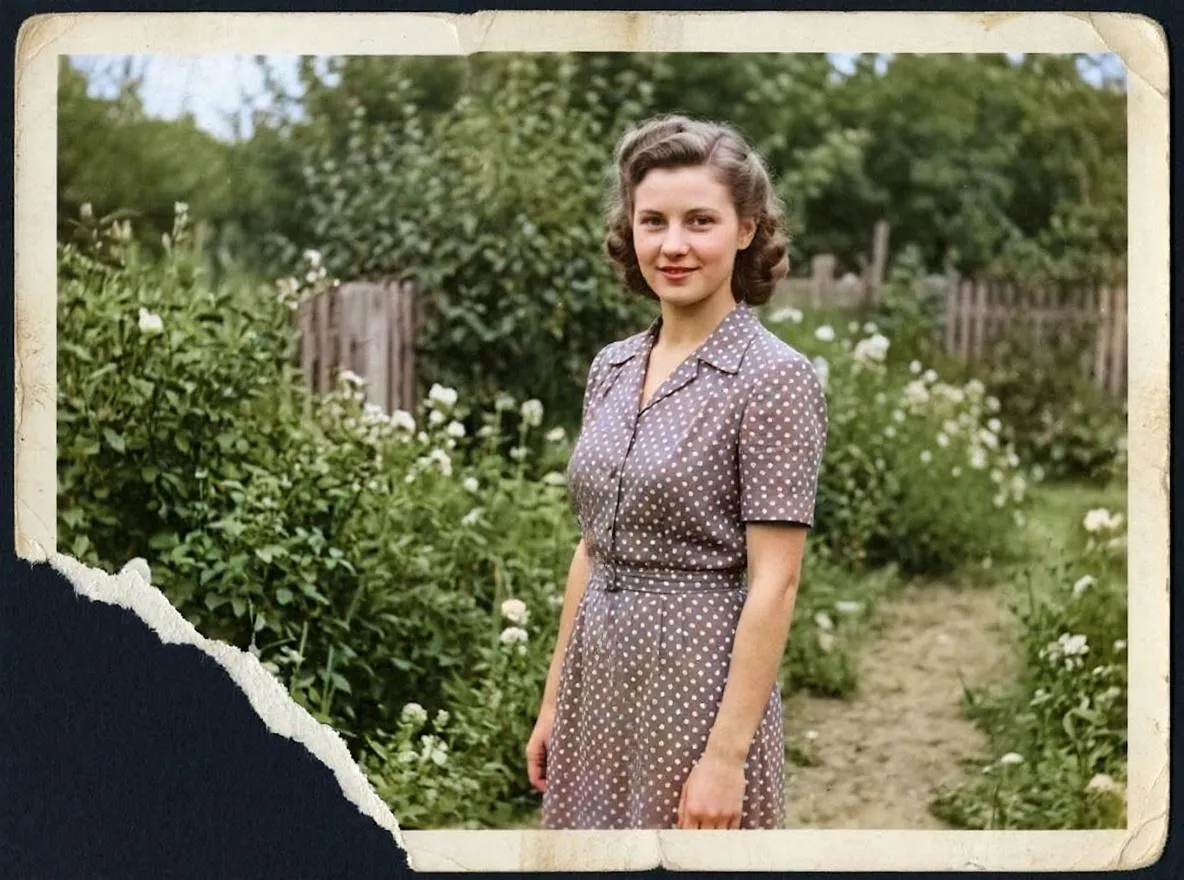 After
Repair
Fix a torn photo safely: handle the pieces, photograph them as one image and repair the tear with AI, plus what to do when part of the photo is missing.
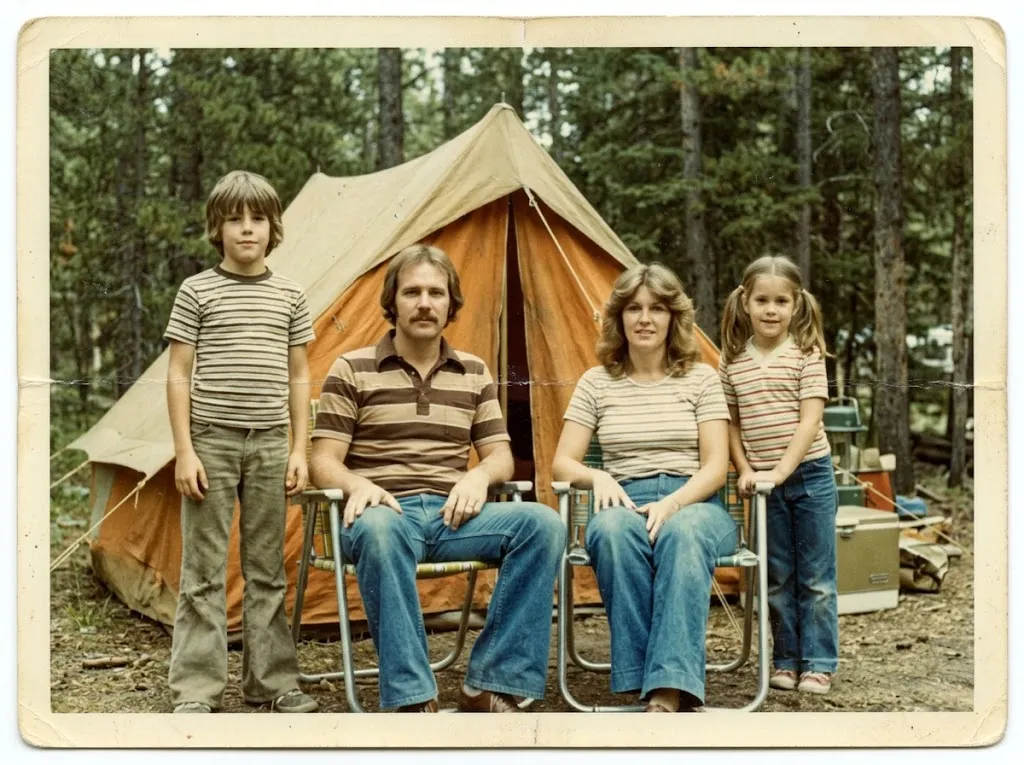 Before
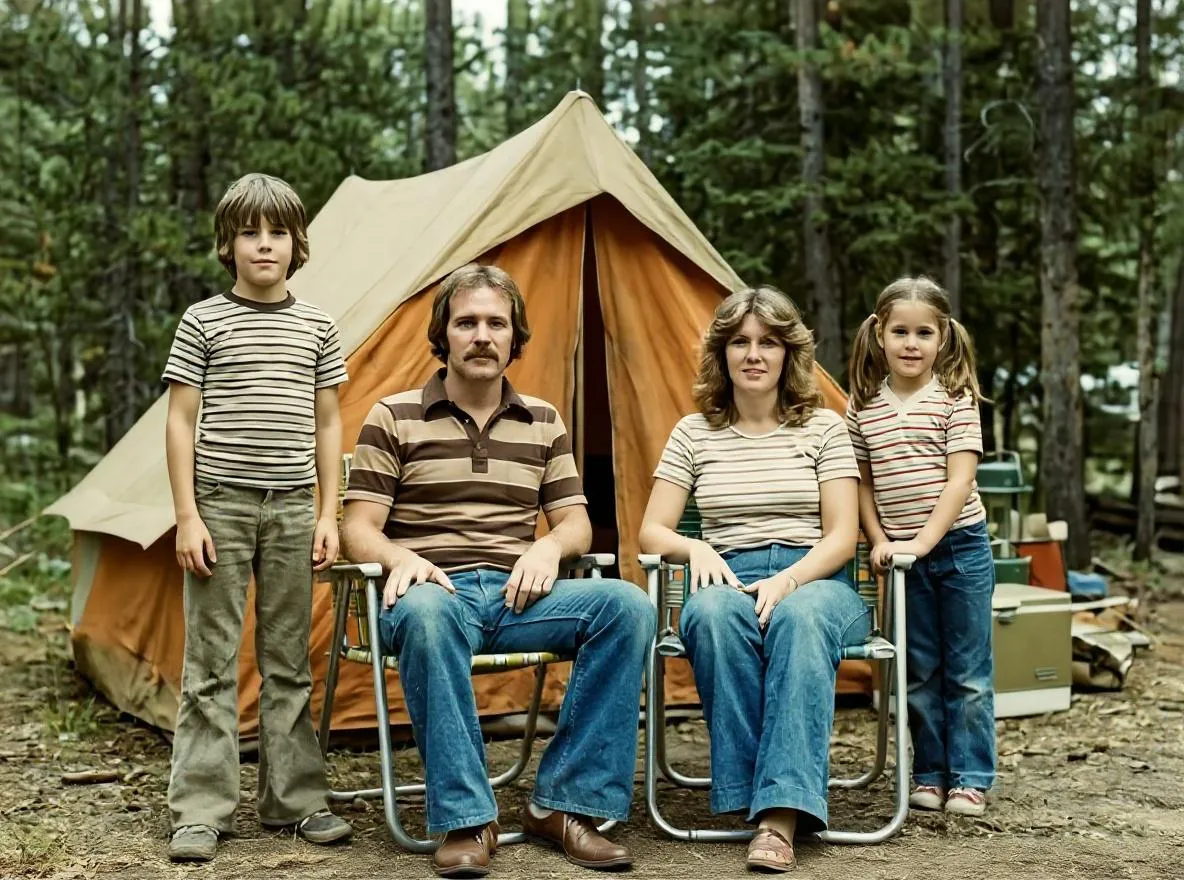 After
Restoration
Restore old, scratched and faded photos on your Android phone with AI. Learn how to photograph the print, repair it in Retrocap and save it to your gallery.
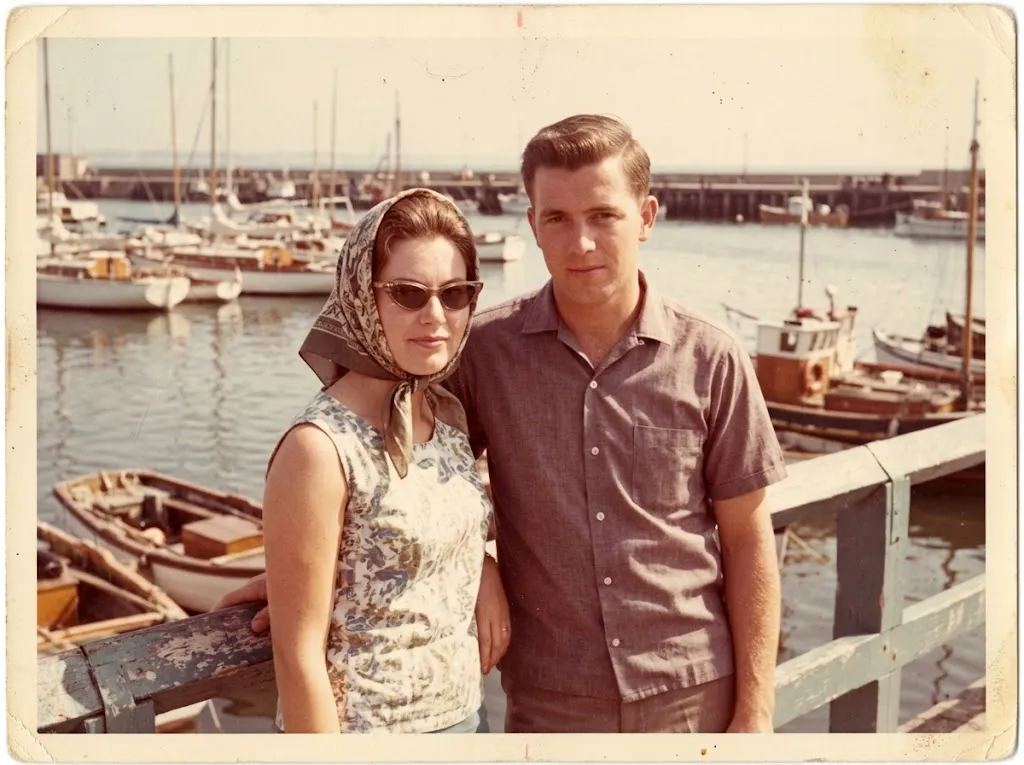 Before
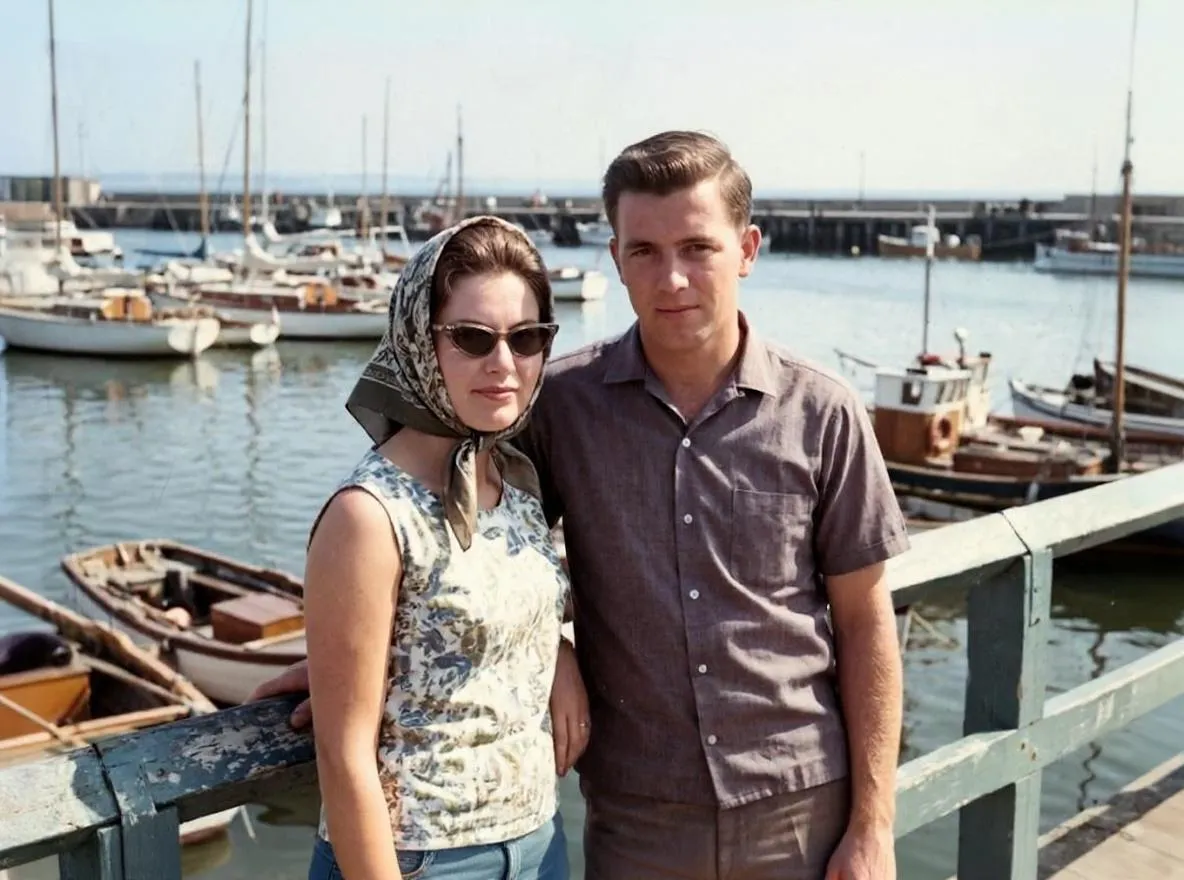 After
Restoration
Restore old, scratched and faded photos on iPhone with AI. Capture a good copy of the print, repair it in Retrocap and save it to your Photos library.
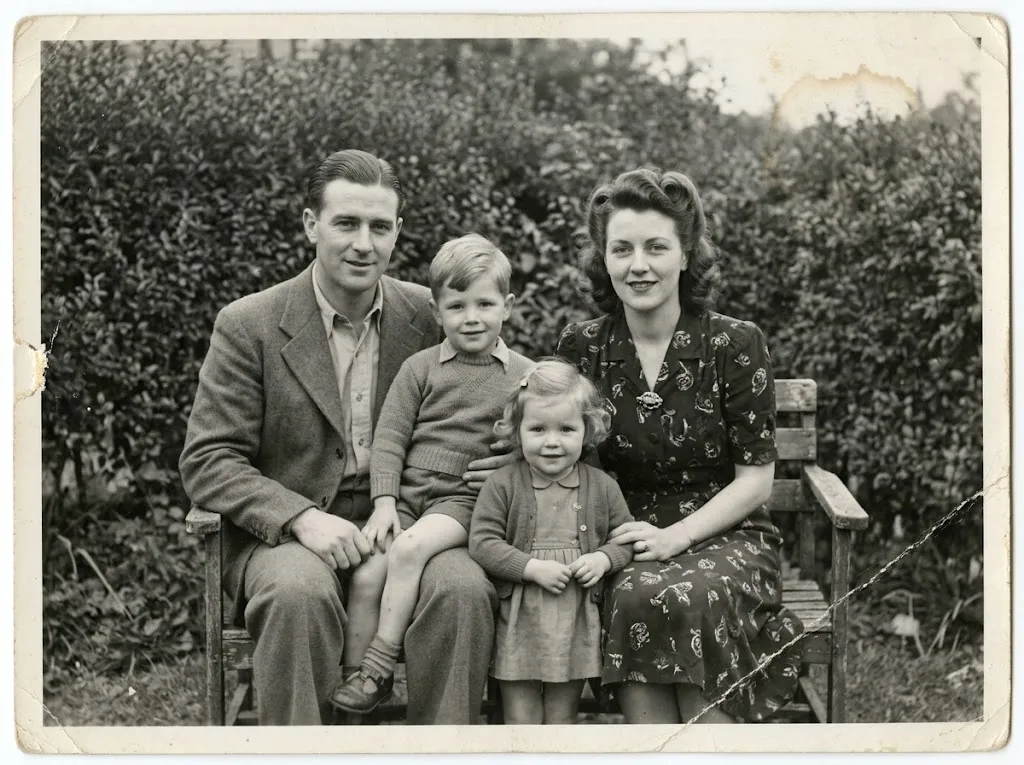 Before
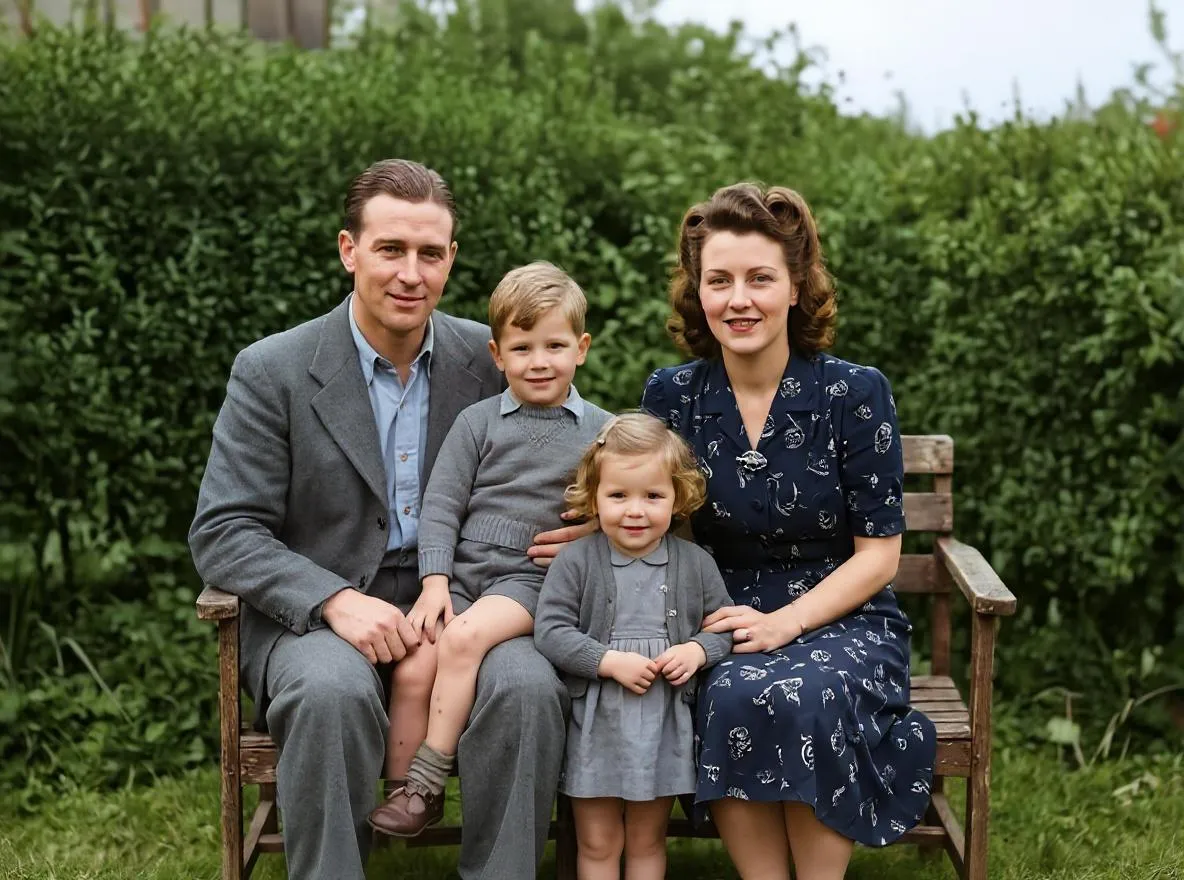 After
Basics
How AI repairs scratches, tears, fading and blur in old photos, what it can and can't fix, and how it compares to manual retouching in Photoshop.
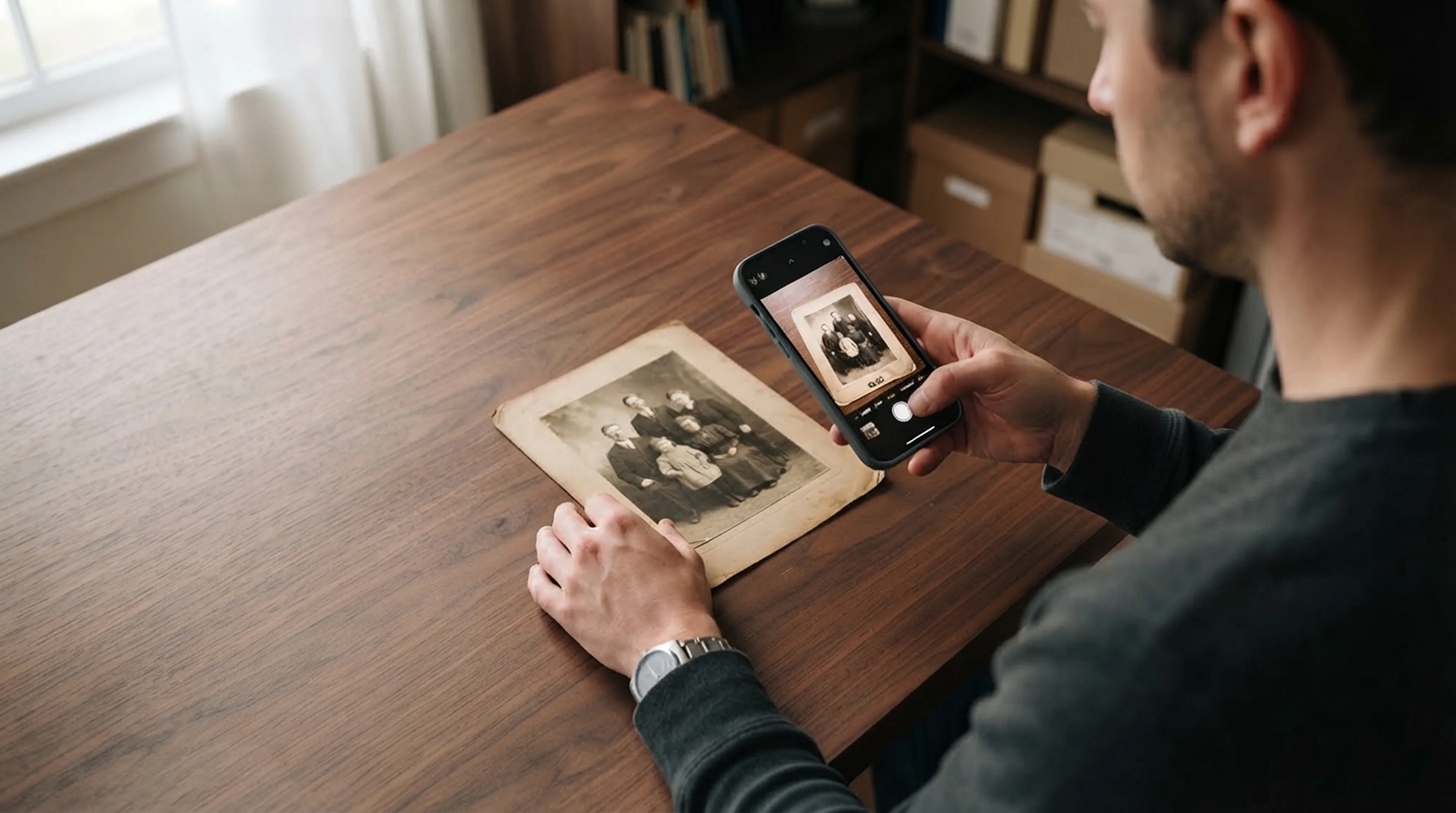
Scanning technique
Lighting tricks, angle secrets and lens cleaning practices for getting flatbed scanner quality from your smartphone.
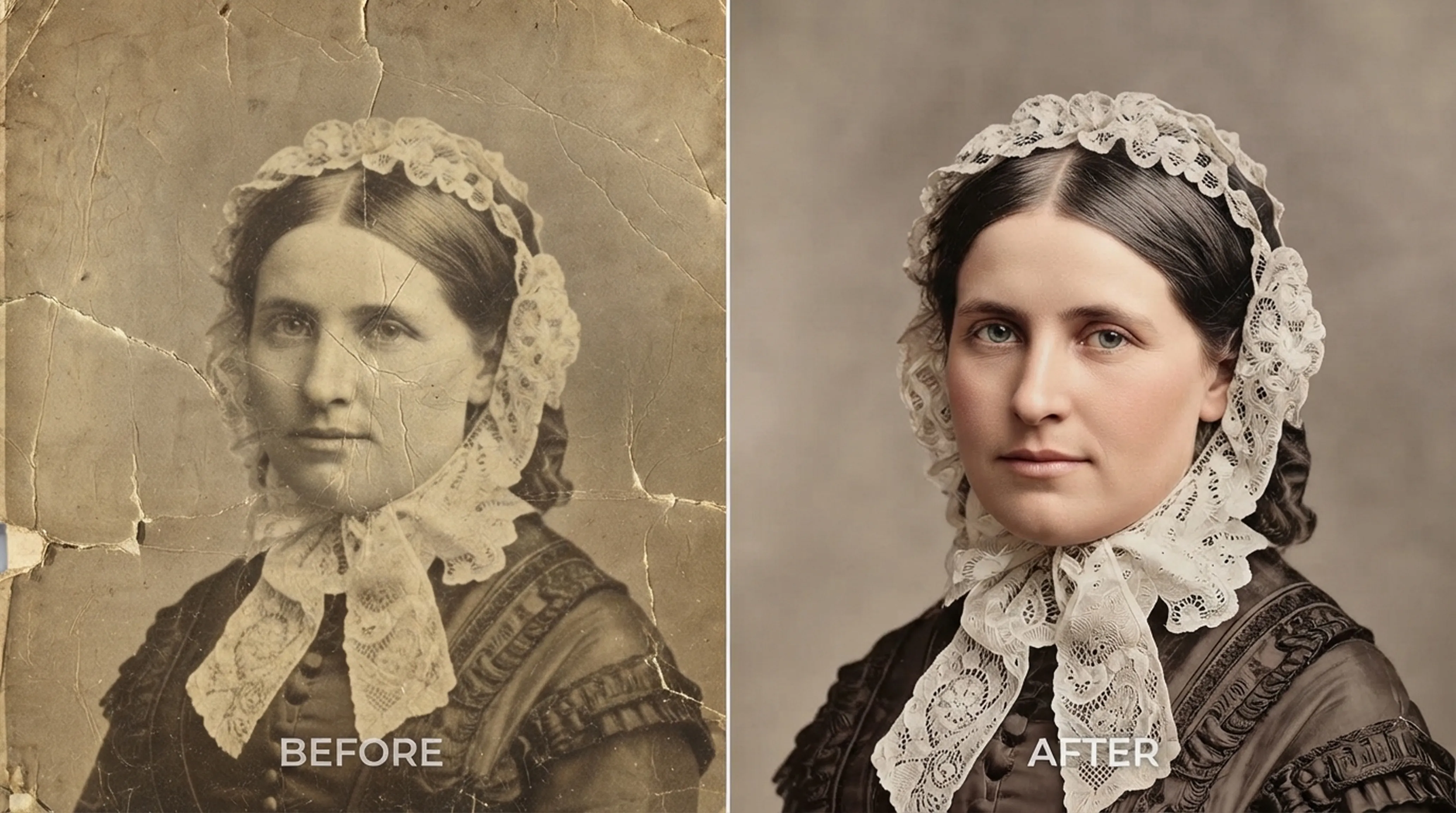
Colorization
What AI colorization can and can’t know about the past, and how to choose the right style for each era.
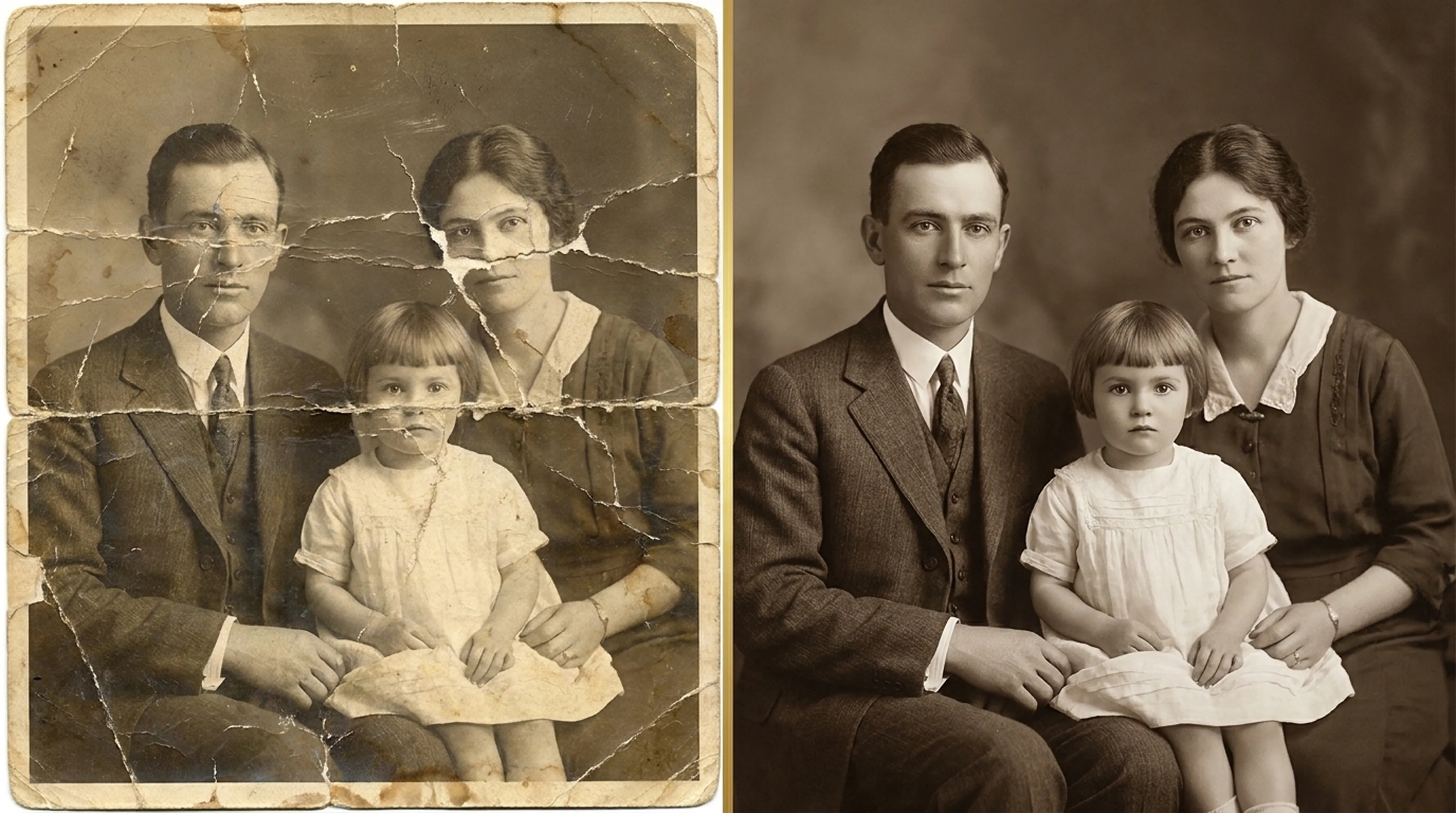
Beginner guide
Step-by-step instructions on handling vintage prints, digitizing delicate negatives and using AI tools safely.