
Restoration
Restored Photo Christmas Gift Ideas for Family
By the Retrocap Team · Updated
TL;DR
A restored photo Christmas gift works because it gives a family a piece of its own history back, repaired and ready to display. Frame a print, make a small album, add color, or animate a portrait. Restoring usually takes seconds, often under a minute, so save your time for printing and wrapping.
A restored photo Christmas gift is one of the most personal things you can give. Take a faded, scratched or torn family photo, repair it on your phone, and hand it over as a print, an album page or a short video. It takes time and thought rather than a trip to a crowded store.
Below are five gift ideas, a simple way to prepare the photo, and a calm plan if you’re short on time.
Start with the right photo
Before you pick a gift format, pick the photo. A few questions help:
- Who will open it? A parent, a grandparent, a sibling or a whole branch of the family?
- Is the face clear enough? A photo where people are recognizable gives the best results.
- Is there a story? A wedding day, a first car, a street corner that no longer exists. A photo with a story makes the gift feel intentional.
If you’re not sure what the recipient would love, our page on gifts for parents and grandparents has more thoughts on choosing the picture.
One gentle reminder: if the photo shows other people, think about whether they’d be comfortable with it being shared. A private family moment is best given privately.
Idea one: a framed print of one restored portrait
This is the classic, and it rarely goes wrong. One strong photo, repaired and printed at a size that fits a frame you already like.
Pick a portrait or a group photo with a simple background. Restore it, check it against the original, and print it. A clean print in a plain frame looks better than a busy one. Let the photo be the focus.
If you plan to print, see our notes on printing old photos. In Retrocap, results are saved in high resolution, which suits printing at common photo sizes.
Idea two: a small album of five to ten photos
An album suits a family with many photos and no clear favorite. Choose a theme so it feels like a story and not a pile:
- One grandparent’s life, from childhood to retirement
- A family home through the decades
- A set of holiday photos from the same few winters
- A couple’s early years
Restore each photo, then lay them out in order. Add a short handwritten caption with names, places and a rough year. Those captions often matter more than the pictures, because they record details that live only in people’s memories.
Idea three: a restored and colorized portrait
A black-and-white portrait of a great-grandparent can feel distant. Adding color often makes it feel closer, like someone you could have met.
In Retrocap, the Colorize tool offers four styles: Natural, Vivid, Vintage and Cool. For a gift, Natural is usually a safe starting point. You can also turn on face enhancement and an option for historical accuracy.
Be honest with the recipient about what color means here. The original colors were never recorded, so the AI makes a realistic interpretation, not a historical record. A relative may remember that the dress was green and the result shows blue. That can start a lovely conversation, and you can try another style. Our guide to colorizing black and white photos realistically goes deeper.
Idea four: a short animated portrait to share
If the family is spread across several cities, a short video can travel where a framed print can’t. It can be sent in a message on Christmas morning.
The Animate tool turns a portrait into a short video with subtle, natural movement. These videos are only a few seconds long. With the optional Add voice narration, the person in the portrait appears to speak, so you can make an old photo talk with a short greeting or a few words you’ve written. The narration is added audio, and the mouth movement may not match perfectly. Mention that when you share it, so nobody is confused.
Think about the recipient first. Seeing a loved one move can be wonderful, or it can be a lot, especially if the person has passed away. If you’re unsure, ask a family member you trust, or choose a quiet print instead.
Idea five: matching copies for brothers and sisters
If one old photo belongs to several people, such as the four siblings on a porch or your parents on their wedding day, a restored copy for each household is a gift with real meaning. Everyone gets the same picture in the same frame, wherever they live.
Restore the photo once, save it, and print as many copies as you need. It’s also a kind way to settle the question of who gets the only print.
How to prepare the photo
Whichever idea you choose, the process is similar.
- Make a good copy. Photograph or scan the print in even light, straight on, without glare. A sharper, evenly lit copy gives better results.
- Open Restore. Choose the Standard level for light or moderate damage, such as mild fading, small scratches or a single clean tear. Switch to Deep for long tears, creases, stains, very pale photos or a strong color cast.
- Turn on what you need. The options are Fix Scratches & Tears, Enhance Faces and Remove Stains.
- Compare with the original. Use the before/after view. AI rebuilds missing areas from the surrounding detail, so a completely missing part, like a lost face, can’t always be recovered. Look closely at the faces.
- Improve if needed. The Enhance tool offers Sharpen & Deblur, Fix Exposure, Color Correction and Upscale x2. They can help with a soft or small scan.
- Save without a watermark. Results are saved without a watermark to your phone’s photo library, ready to print or share.
The Restore feature page shows what the tool does. Retrocap needs an internet connection, because photos are processed on cloud servers. If you’d like to remove a photo afterward, you can delete your photos and data from the app at any time.
A last-minute Christmas gift plan
Time is short? A last-minute Christmas gift can still feel thoughtful. The restoration usually takes seconds, often under a minute. What takes longer is everything around it.
A calm way to split the time:
- First: Choose one photo, not five. One good result beats several rushed ones.
- Next: Restore it, compare it with the original, and save it. This can be done in one sitting.
- Then: Check how long your print provider needs. Ordering online may involve production and delivery time, and a local photo lab may be quicker. Ask before you commit.
- Last: Pick a frame you can get easily, or wrap the print in simple paper with a handwritten note.
If printing won’t arrive in time, there’s no shame in a backup plan. Put the digital file on your phone, tell the recipient a framed print is on its way, and share the story behind the photo in person. The gift is the photo and the thought, not the box.
A few things to keep in mind
- Keep the original safe. Give the restored copy, not the only print. Don’t use tape, glue or anything damp on old prints. If the original is valuable or fragile, a professional conservator can advise you.
- Be gentle with memorial photos. If a gift remembers someone who has died, keep the tone quiet and let the recipient respond in their own way.
- Be honest. Restoration is for bringing back a memory. Don’t use it to deceive anyone or to alter a record.
Where to go from here
A restored photo gift doesn’t need to be grand. One photograph, repaired with care and given with a short note, is often what people keep for years. When you’re ready, you can try Retrocap with a single photo and see how it looks.
Frequently asked questions
What is a good restored photo Christmas gift?
A framed print of a repaired family portrait is the simplest choice. A small album, a colorized portrait, matching copies for siblings and a short animated portrait are other options.
Can I still make this gift at the last minute?
Yes. The restoring itself usually takes seconds, often under a minute per photo. The slower parts are printing, shipping and framing, so check how long your print provider needs before you start.
Should I give away the original photo?
Usually not. Keep the original safe and give a restored copy. If the original is valuable or fragile, a professional conservator can advise you on handling it.
Will the restored photo look exactly like the original person?
Not always. It is usually close, but AI can slightly change facial features, especially on very small or blurry faces. Always compare the result with the original before you print it.
Is an animated photo a good gift for someone grieving?
It can be, but it can also be emotional. If the person in the photo has passed away, consider the recipient first. A quiet framed print is often the gentler choice.
Related guides
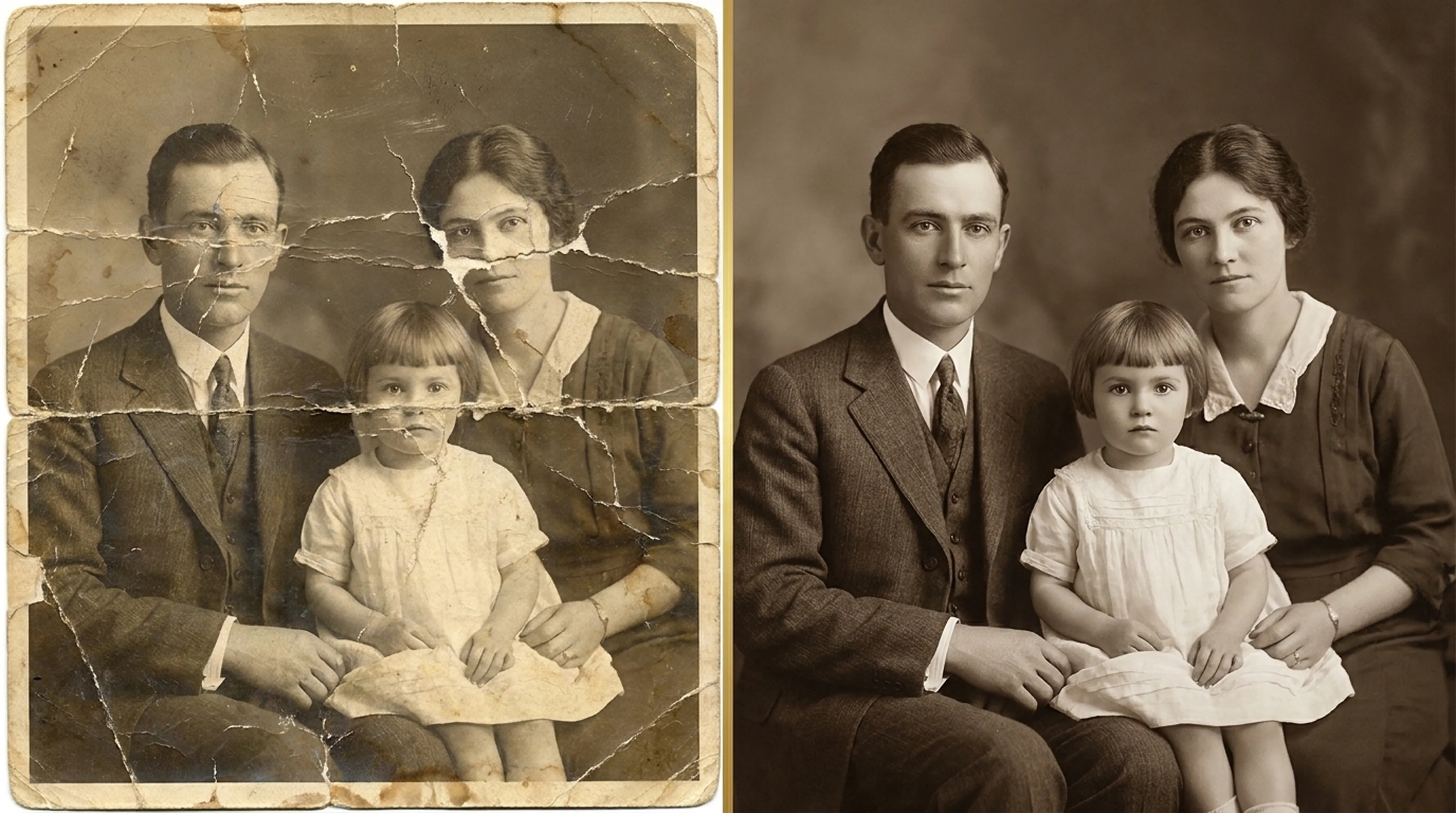
Beginner guide
How to Restore Old Photos: A Complete Beginner’s Guide
Step-by-step instructions on handling vintage prints, digitizing delicate negatives and using AI tools safely.
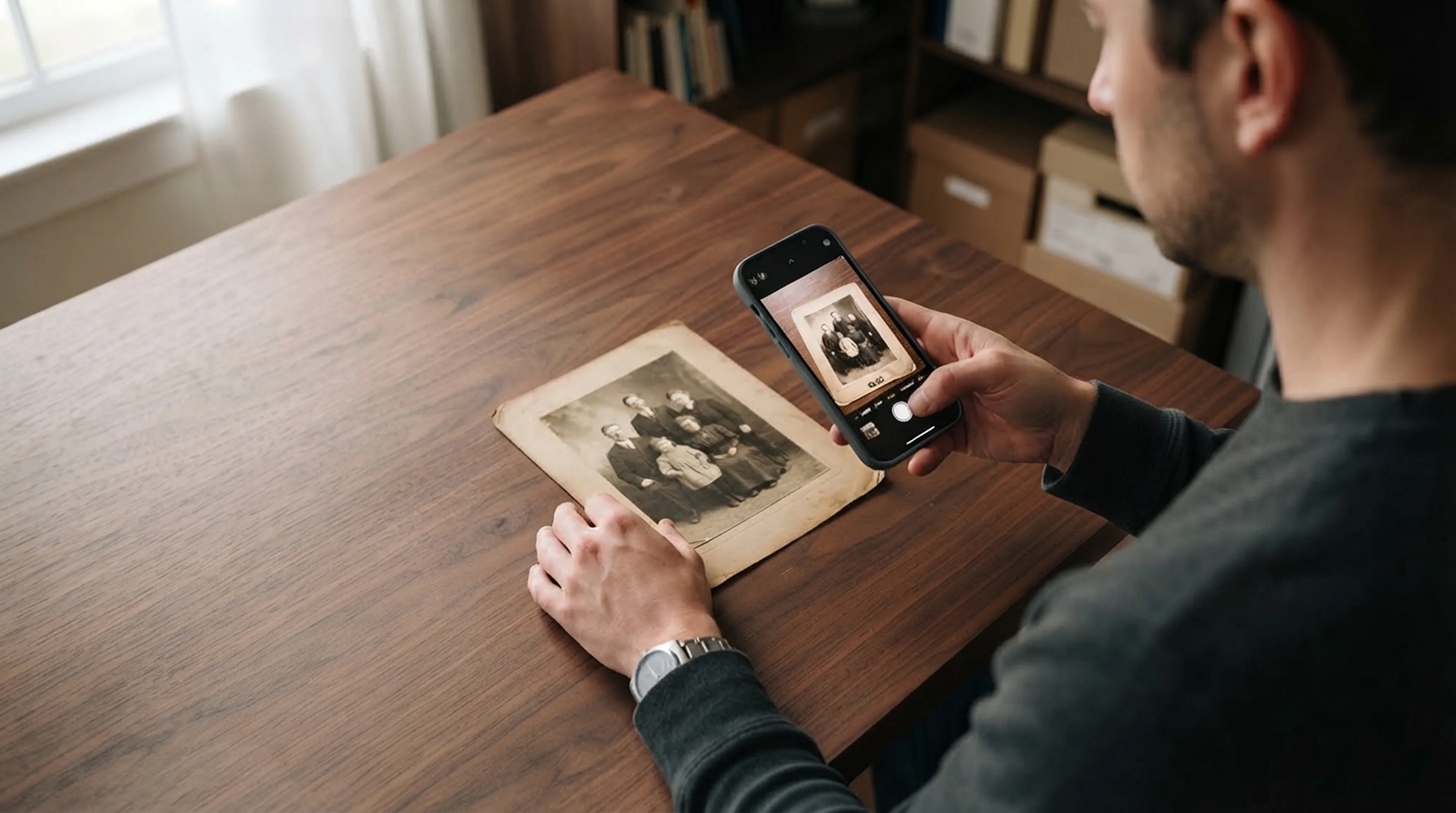
Scanning technique
How to Scan Old Photos with Your Phone Without Glare
Lighting tricks, angle secrets and lens cleaning practices for getting flatbed scanner quality from your smartphone.
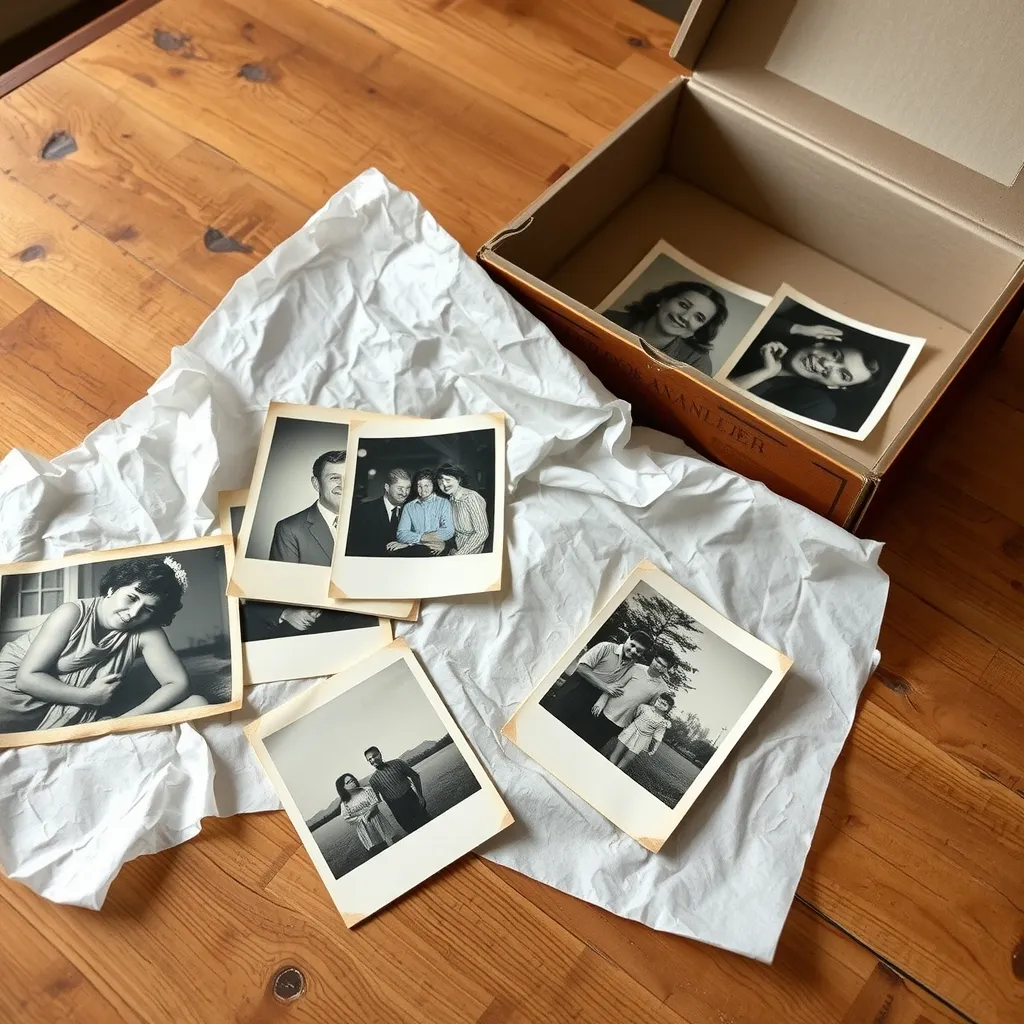
Basics
How to Preserve Old Family Photos: A Practical Guide
Learn how to preserve old family photos with safe storage, careful handling, digital copies and light restoration. Know when to call a conservator.