
Restoration
How to Restore Old Wedding Photos at Home
By the Retrocap Team · Updated
TL;DR
You can restore old wedding photos at home by scanning the print, repairing damage, improving faces and exposure, and, if you wish, adding color. Always keep the original and compare each result with it. A restored wedding photo also makes a thoughtful print or anniversary gift.
To restore old wedding photos, scan or photograph the print with good light, repair the damage with an AI restoration tool, fine-tune faces and brightness, and then save a high-resolution copy you can share or print. You never need to touch the original beyond handling it gently. Everything below can be done on your phone.
A wedding photo is often one of the most treasured pictures in a family. It may also be the one that has been handled the most, framed in the sun, or pressed into an album for decades. Much of that wear can often be improved, though results vary from photo to photo.
Start by protecting the original
Before any editing, take a moment to care for the print itself.
- Handle it by the edges, with clean, dry hands.
- Don’t peel a photo from a sticky or magnetic album page. Photograph it where it sits instead.
- Never use tape, water, cleaning products or heat to “fix” a print. These can cause damage you cannot undo.
- If the original is valuable or fragile, or shows mold or serious water damage, ask a professional conservator before doing anything physical. Our guides on mold-damaged photos and water-damaged photos explain what to avoid.
The digital copy is where you are free to experiment. The original stays safe in a drawer, ideally in an acid-free sleeve.
Make a good scan first
The quality of your restoration depends heavily on the quality of your starting copy. A sharper, evenly lit copy gives better results.
- Place the photo on a flat surface near a window, in soft daylight.
- Avoid direct sun and overhead lamps, which cause glare, especially on glossy prints.
- Hold your phone parallel to the photo so the edges stay square.
- Take the picture, then check that the faces are in focus before moving on.
If glare is a problem, our guide to scanning old photos with your phone covers it in detail.
What goes wrong with old wedding photos
Wedding pictures tend to show the same problems:
- Yellowing and fading. White dresses and bright backgrounds are often the first to turn warm or dull. Color prints from past decades may drift toward red or orange. If you’re curious why, see why old photos fade.
- Creases and tears. These often come from albums, wallets and frames that were too tight.
- Scratches, spots and stains. These build up from years of handling and storage.
- Small, soft faces. Group shots and full-length portraits often leave each face tiny or a little blurry.
- Dark or washed-out exposure. A black tuxedo and a white gown in the same frame are hard for any camera to balance.
Restore the photo step by step
Retrocap is an AI photo restoration app for iPhone and Android. An internet connection is required, because photos are processed on cloud servers rather than on your phone. You can read more about the Restore tool on its feature page.
- Open your scan in Restore. Choose the restoration level. Standard suits light or moderate damage, such as mild fading, small scratches or a single clean tear. Deep is for heavy damage: long tears, several pieces, creases, stains, very pale photos or a strong color cast. Starting with Standard and switching to Deep if needed is a sensible approach.
- Switch on the options that match your photo. Fix Scratches & Tears handles cracks and lines. Remove Stains helps with spots and stains. Enhance Faces brings out the bride and groom, which is usually what you care about most.
- Check the result against the original. Retrocap lets you compare before and after. Look closely at the faces, the veil, the lace and the hands. If something looks off, try again with a different level.
- Use Enhance if the photo is still soft or dull. In Enhance, Sharpen & Deblur helps with softness, Fix Exposure helps with a photo that is too dark or too bright, and Color Correction helps with a color cast. Upscale x2 can be useful for a small photo you plan to print larger. Our guides on fixing blurry photos and restoring faded photos go deeper on these.
For a deeper look at the whole process, the complete beginner’s guide to restoring old photos walks through it from scratch. For a torn print in particular, see how to fix a torn photo.
Be careful with faces
Faces matter most in a wedding photo, and they deserve a careful look. AI can slightly change facial features, especially on very small or very blurry faces. A smile may look a touch different, or an eyebrow may shift.
Compare the restored face with the original, and if you have another photo of the same person, compare with that too. If the face doesn’t look like the person you remember, try the Standard level, or switch off some of the options such as Enhance Faces. You can also use the restored version only for the background and keep the original face.
Some damage can’t be fully undone. AI rebuilds missing areas from the surrounding detail, so a completely missing part, such as a lost face, cannot always be recovered.
Should you add color?
If your wedding photo is black and white or sepia, adding color is optional. It can make the day feel closer, but it isn’t for everyone.
In Retrocap’s Colorize tool, you can choose a style: Natural, Vivid, Vintage or Cool. You could try Natural first and compare it with the others to see which feels right to you. There is also an option to enhance faces, and an option aimed at historical accuracy.
Keep one honest fact in mind. Colorization is a realistic interpretation, not a historical record, because the original colors were never recorded. The dress may have been ivory, not white, and the flowers could have been any color. If you know the real colors from family stories, you can use them to judge whether the result feels right.
Two guides can help here: how to colorize black and white photos and how to colorize sepia photos. You can also read the Colorize page for the tool itself.
Save and print your restored wedding photo
Results can be saved to your phone’s photo library or shared directly, and they are saved with no watermark. They are in high resolution, which suits printing at common photo sizes.
A few tips for printing:
- Order one small test print first. Screens glow, and paper doesn’t, so colors and brightness can look different.
- Choose a paper finish you like. Matte hides fingerprints and reflections, and glossy gives more punch.
- Pick a size that matches your photo. A small original won’t stretch into a huge poster without losing some crispness, even after Upscale x2.
- Keep a digital backup in more than one place, such as your phone, a computer and a shared family folder.
Our page on how to print old photos goes into this further.
Restored photo gift ideas for anniversaries
A restored wedding photo can be one of the most personal gifts you can give. Here are some ideas:
- A framed print for an anniversary. A milestone anniversary is a lovely moment to hand over a restored wedding portrait in a simple frame.
- Original and restored side by side. Frame the restored version beside a copy of the original, so the story of the photo stays visible.
- A small photo book. Combine the wedding portrait with a few other restored family pictures from the same era.
- Copies for the whole family. Send the digital file to siblings and cousins, or print small copies for each household.
- A photo with a short note. Write a few lines on the back or on a card about the day, the people and what you remember.
- A surprise animation. If you’d like something gentle, Animate can turn a portrait into a short video with subtle, natural movement. As with any tool, a sharper, evenly lit photo gives better results, so watch the video yourself before sharing it.
For more ideas aimed at older relatives, see gifts for parents and grandparents. If you’re planning something for the holidays, our restored photo Christmas gift ideas may help too.
Handle sensitive moments with care
Wedding photos can carry strong feelings. The couple may no longer be together, or one or both may have passed away. Before you share or gift a restored photo, think about who it will reach and how they might feel. If the photo shows other people, such as guests or relatives, be respectful when sharing it, and ask first when you can.
If you’re restoring a photo of someone who has died, take your time. There is no rush, and a calm, quiet approach tends to work best. Our page on memorial photos may be helpful.
Restoration should always stay honest. It’s for preserving memories, not for faking documents or misleading anyone.
A note on privacy
In Retrocap, photos are used only to create your results. They are sent securely to an AI processing partner to create those results, and they are never sold. You can delete your photos and data from the app at any time.
Keep the story with the photo
Once you have a restored copy, add the details while someone still remembers them: names, the place, the year, who stood where. A restored photo with its story attached is worth far more to the next generation. For more on keeping these memories safe, see our guide to preserving old family photos.
If you have a wedding photo waiting in a drawer, you can try restoring it with Retrocap whenever you feel ready.
Frequently asked questions
Can I restore a wedding photo that is badly torn or creased?
Often, yes, though results vary. AI rebuilds missing areas from the detail around them, so it can often repair tears, creases and small gaps, but always compare with the original. A completely missing part, such as a lost face, cannot always be recovered. In Retrocap, try Restore with Standard first and switch to Deep for heavy damage.
Should I colorize a black and white wedding photo?
That is a personal choice. Colorization is a realistic interpretation, not a record of the real colors, because those were never captured. Many families keep the black and white version and add a colorized copy beside it.
Is it safe to take a wedding photo out of an old album?
Only if it lifts away easily. If it is stuck to the page, don't pull it. Scan or photograph it in place and ask a professional conservator about valuable originals.
Will a restored wedding photo look good in print?
Retrocap saves results in high resolution, suitable for printing at common photo sizes. A sharp, evenly lit scan gives the best result. Order one small test print before committing to a large frame.
Related guides
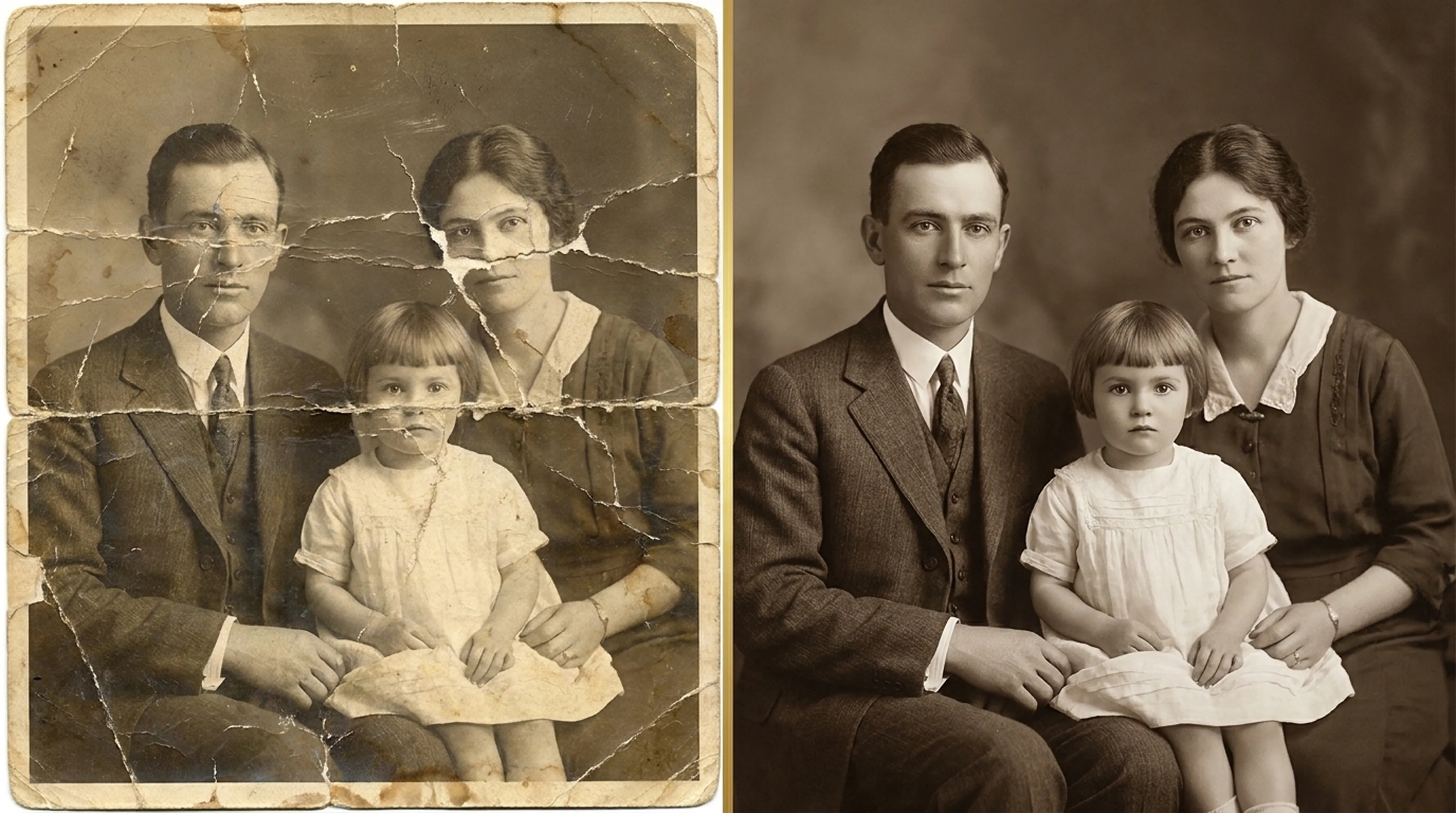
Beginner guide
How to Restore Old Photos: A Complete Beginner’s Guide
Step-by-step instructions on handling vintage prints, digitizing delicate negatives and using AI tools safely.
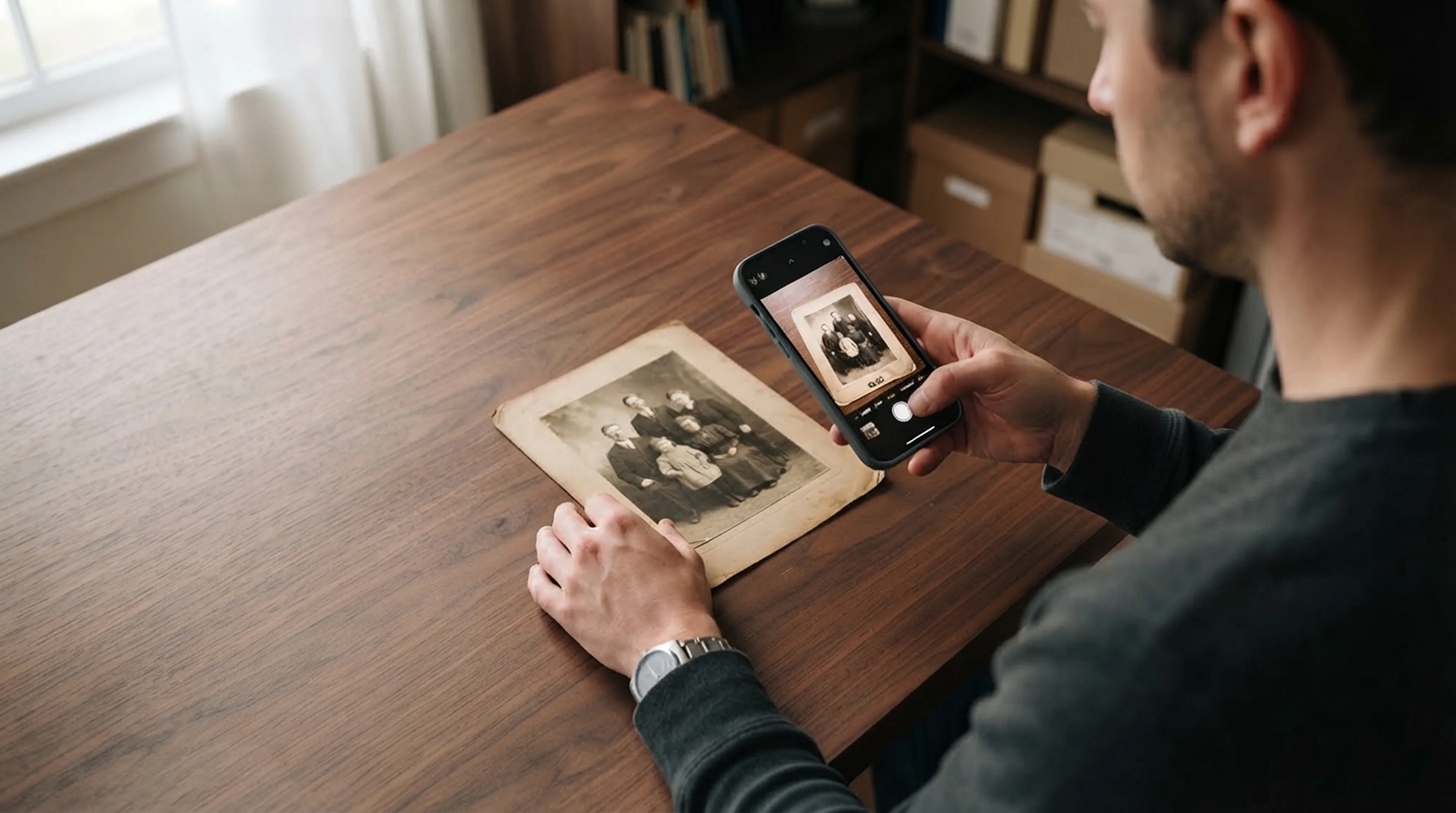
Scanning technique
How to Scan Old Photos with Your Phone Without Glare
Lighting tricks, angle secrets and lens cleaning practices for getting flatbed scanner quality from your smartphone.
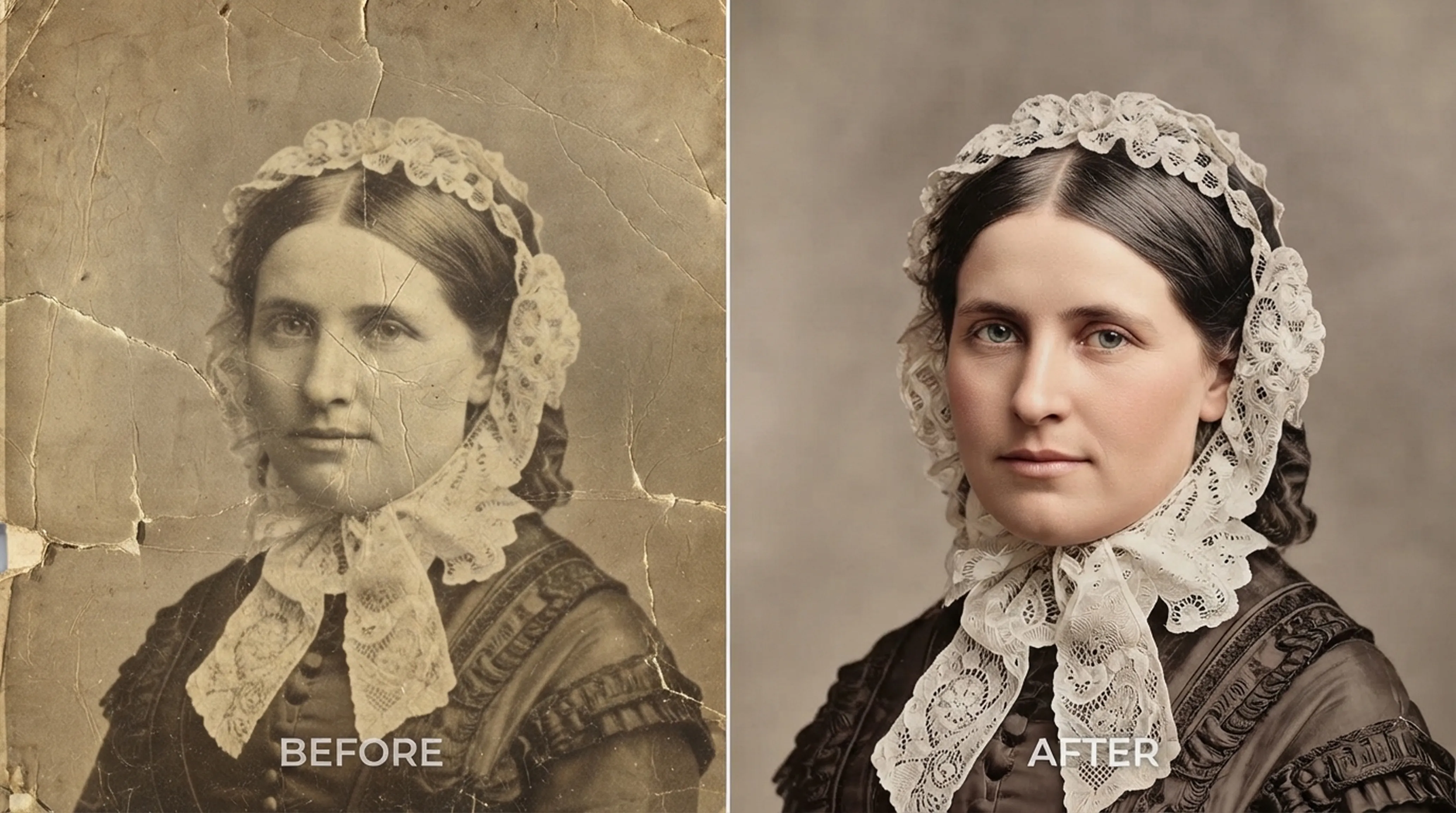
Colorization
How to Colorize Black and White Photos Realistically
What AI colorization can and can’t know about the past, and how to choose the right style for each era.